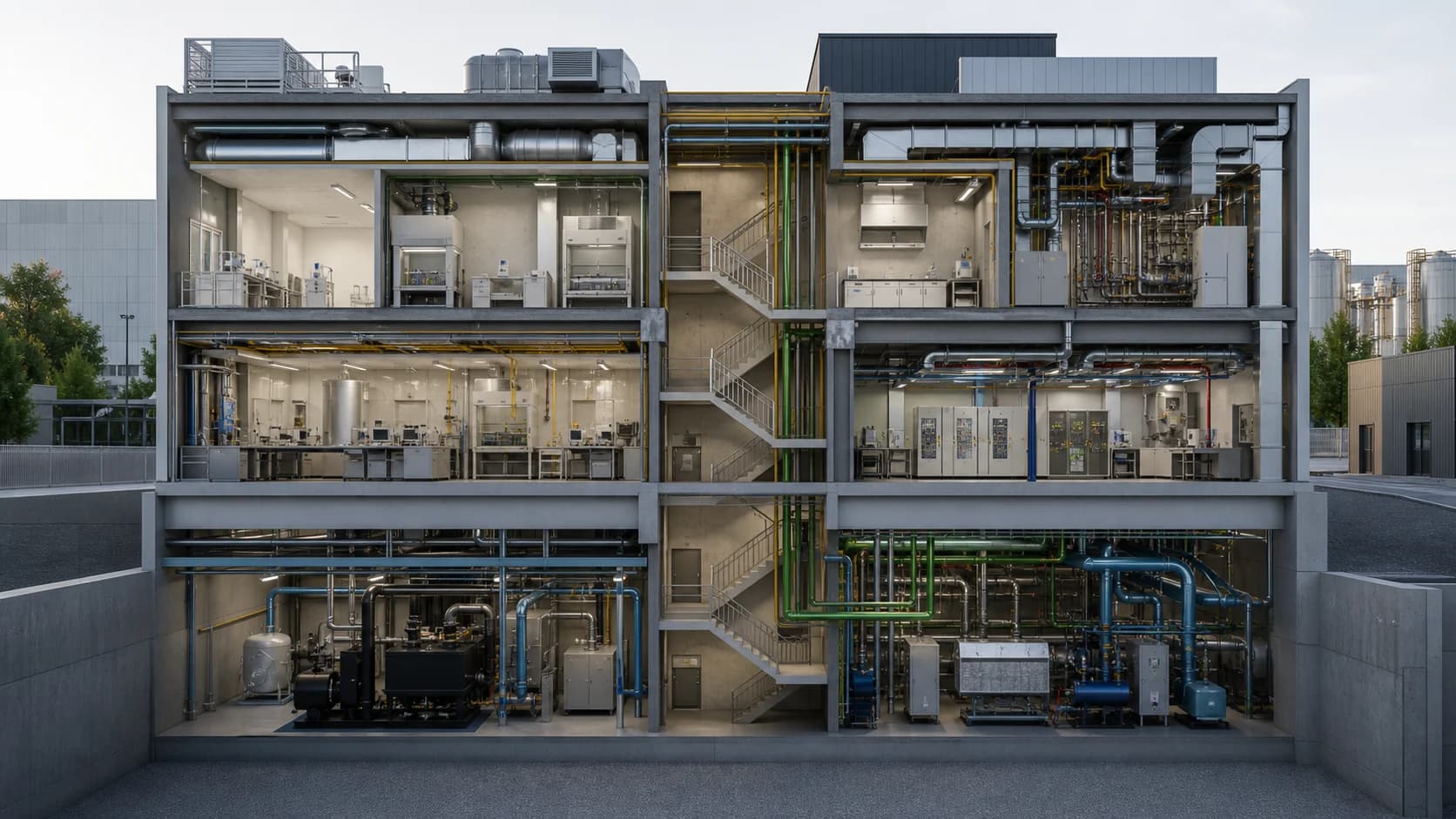
Facility operations twin
Navigate buildings, floors, rooms, equipment, systems, alarms, and work records in one spatial operating view.
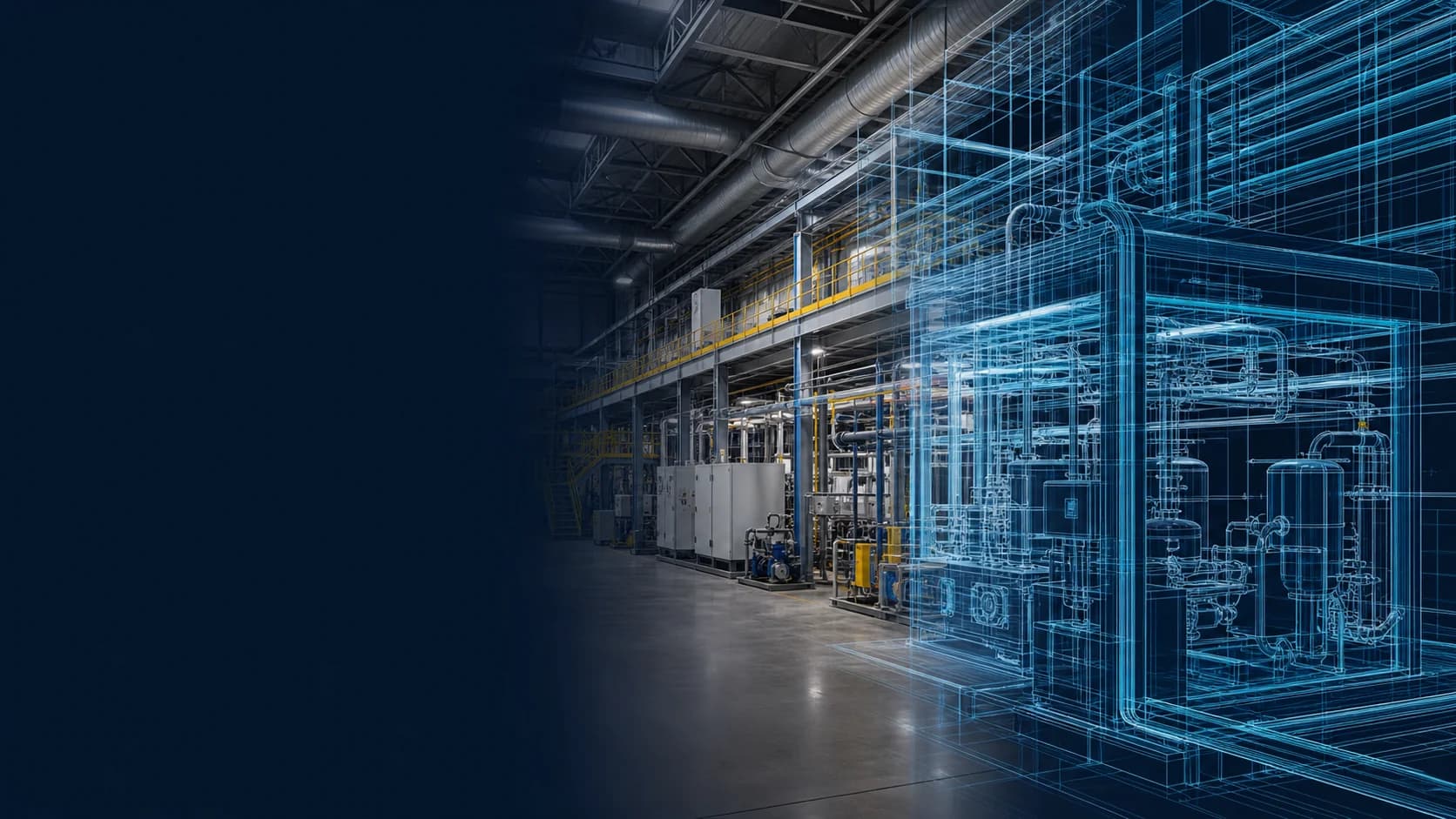
Give every team a shared spatial view of operations
Turn BIM, CAD, GIS, point clouds, and model assets into reusable, data-connected 3D context for operations, field work, simulation, stakeholder communication, and Physical AI workflows.
Connect data, workflows, and field execution so teams can understand context, act faster, and keep work traceable.
Organize imported models, versions, component geometry, and spatial references as managed assets that can be reused across applications.
Connect model components to the correct equipment, space, system, sensor, document, and work record in the operational digital twin.
Use FactVerse Designer to arrange assets, viewpoints, labels, data panels, animation, and interaction logic for a specific operating experience.
Bind current status, alarms, trends, maintenance history, and business information to spatial objects through Data Fusion Services.
Reuse approved content across web views, large displays, Inspector, DataMesh One, and project-specific Omniverse workflows.
Prepare consistent asset identity, geometry, coordinates, relationships, and scene context for simulation, robotics, synthetic data, and AI agents.
Practical applications and proven success scenarios across industries.
Navigate buildings, floors, rooms, equipment, systems, alarms, and work records in one spatial operating view.
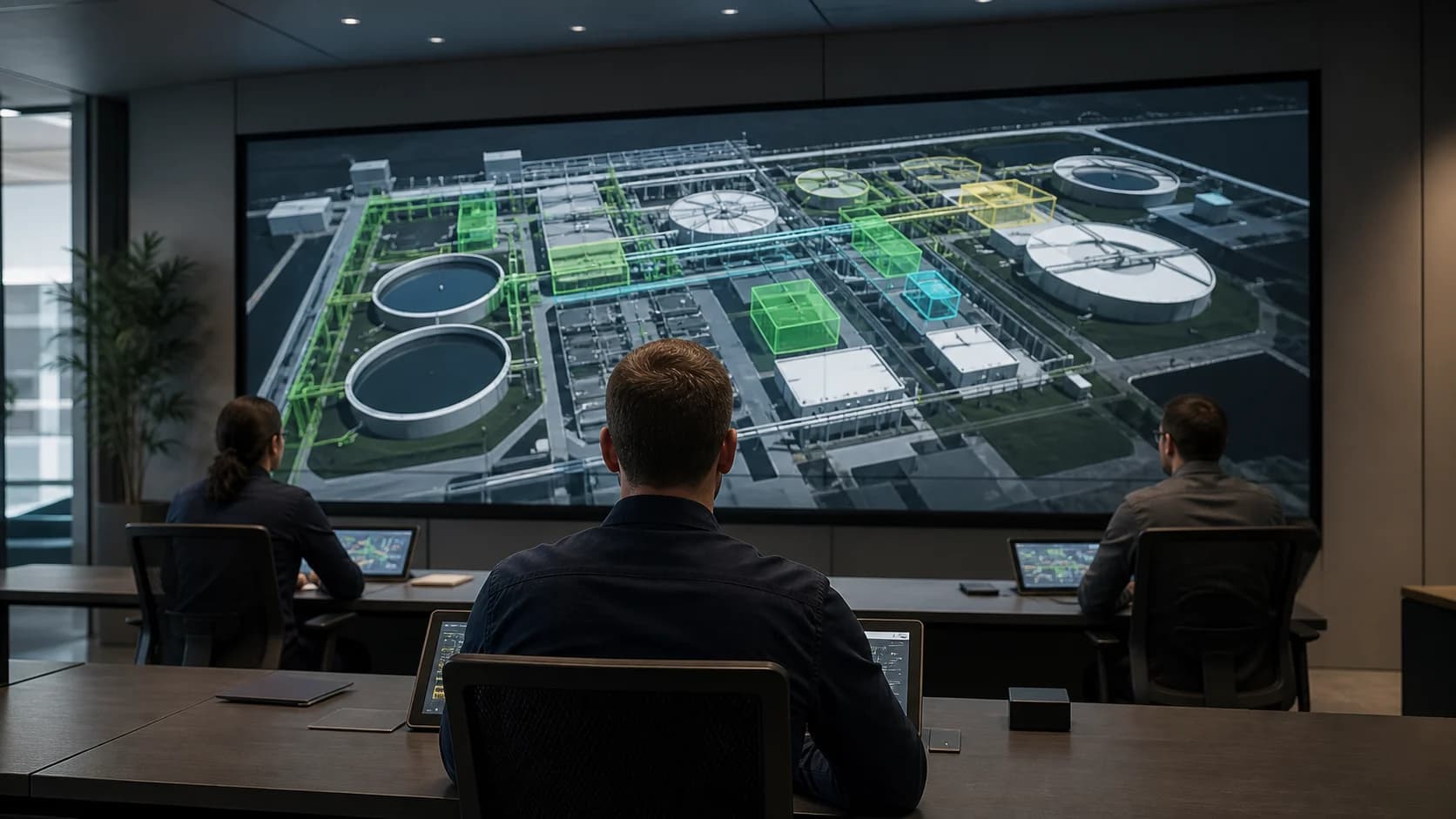
Combine site status, live data, alarms, work orders, and 3D context for control-room and large-display coordination.
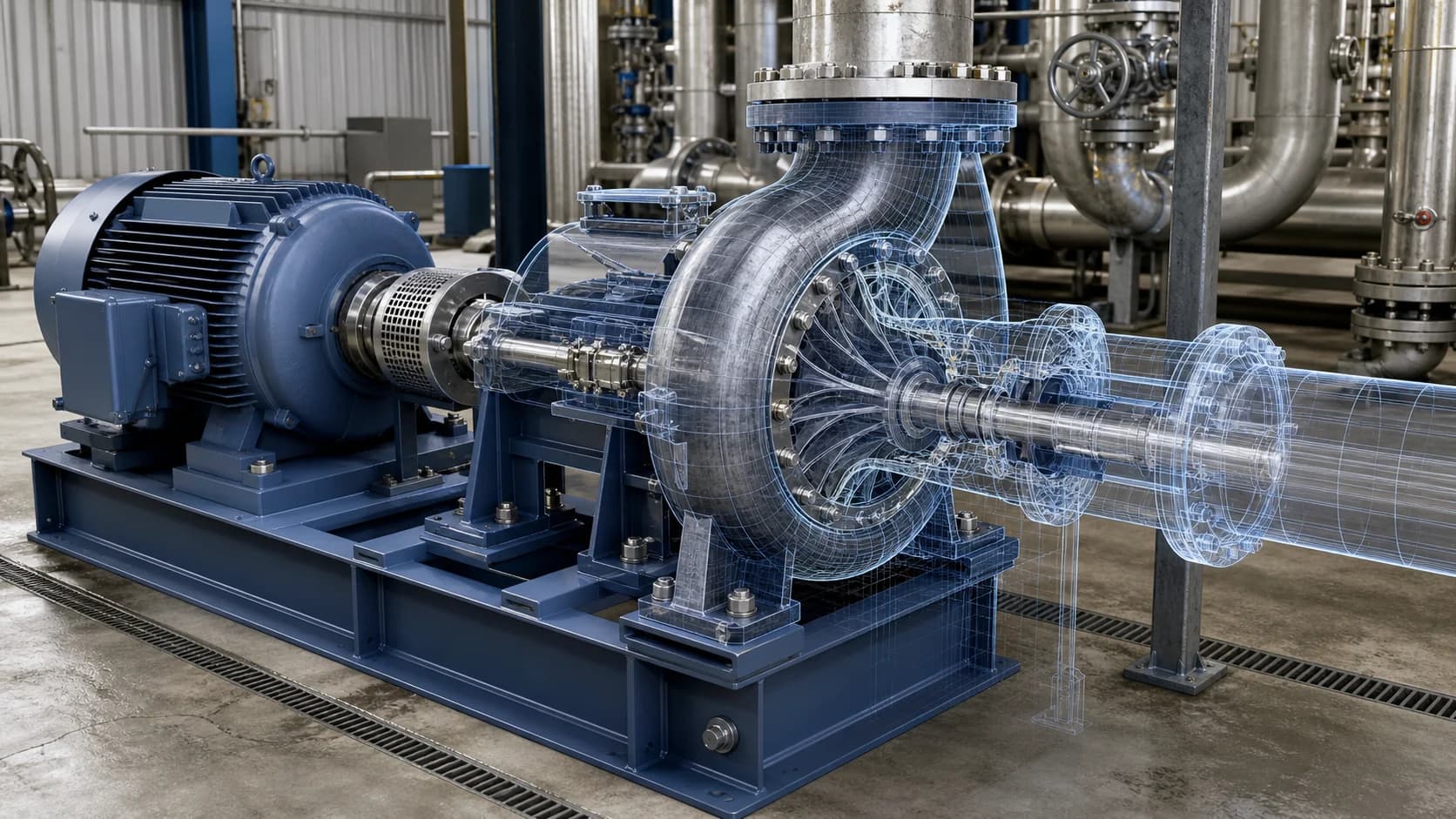
Connect component structure, operating data, documents, maintenance records, and guided procedures around critical equipment.
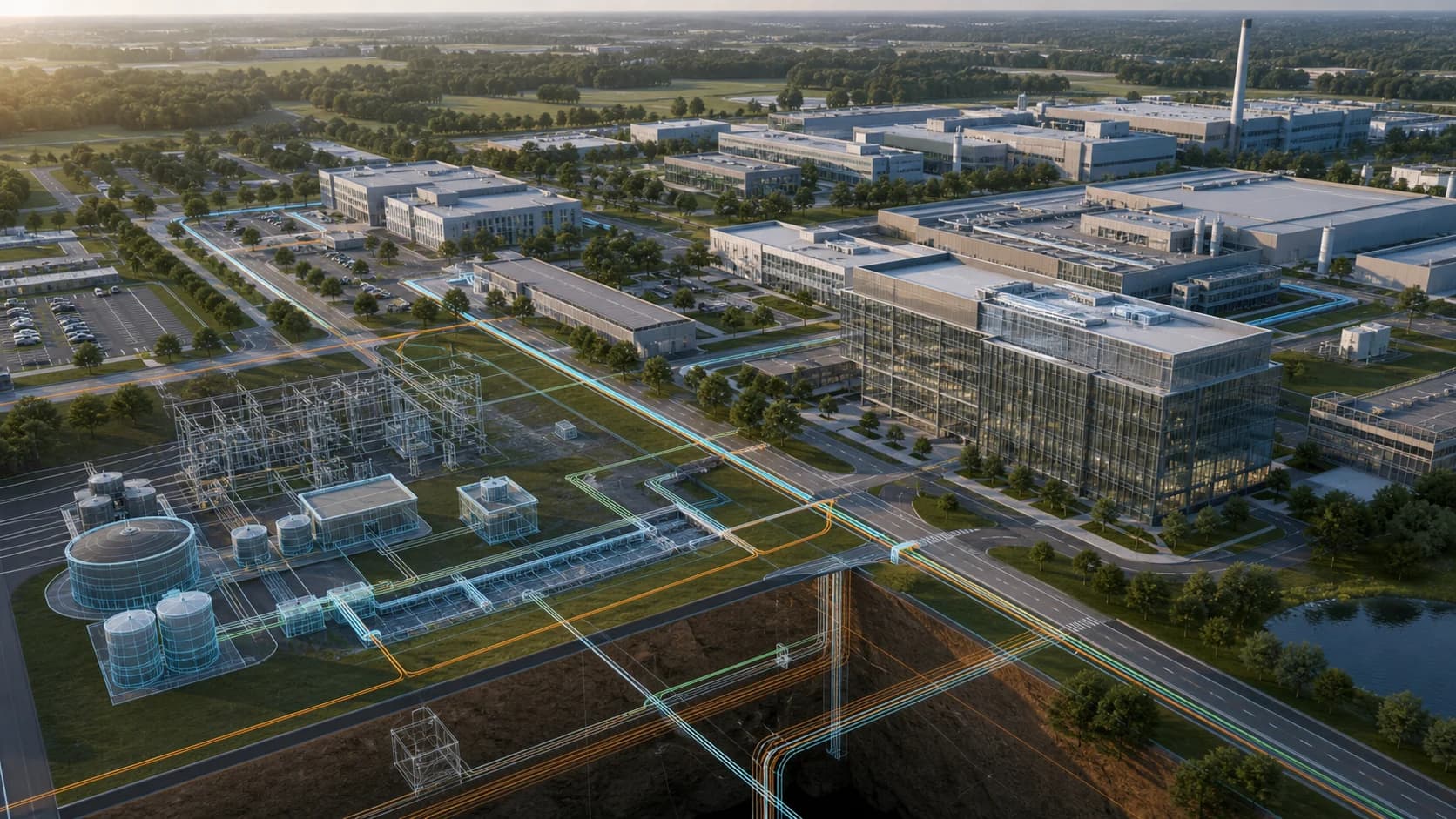
Organize buildings, roads, utility systems, outdoor assets, and site data in a shared GIS and 3D hierarchy.

Reuse governed model assets and twin relationships when preparing scenes for simulation, Omniverse, Isaac, PhysX, Newton, or robotics workflows.
Facilities, factories, campuses, and infrastructure are spatial systems. Equipment location, system dependencies, access routes, process flow, work zones, and operating risk are difficult to understand from tables and isolated dashboards.
Operational digital twin visualization brings models, assets, live data, documents, and work records into one spatial context. Engineering, operations, field teams, management, and external stakeholders can examine the same environment from the perspective their work requires.
BIM, CAD, GIS, point clouds, and equipment models enter the platform as managed model assets. Versions, component geometry, coordinates, and external references are preserved so the content can be maintained beyond a single presentation.
FactVerse binds model components to stable twin identity, spaces, systems, sensors, documents, and work records. This relationship gives each visible object an operational meaning and allows the same asset to be reused across applications.
FactVerse Designer lets teams arrange assets, viewpoints, labels, data panels, animation, and interaction logic. Data Fusion Services connects current and historical operating information. The result may support a control-room view, equipment inspection, training scene, construction review, customer briefing, or field workflow.
Teams can update the underlying twin and model relationships as facilities change, then reuse that governed context across new experiences.
Web views and large displays support operating visibility. Inspector uses the spatial and asset context for inspection and maintenance. DataMesh One delivers approved 3D content to supported field devices. Omniverse and other project runtimes can receive prepared scenes and metadata through the appropriate integration path.
This shared foundation reduces repeated model preparation and keeps asset identity consistent from engineering review through daily operations.
Simulation, robotics, synthetic-data generation, and AI agents require more than visual appearance. They need consistent geometry, units, coordinates, component identity, system relationships, operating state, and task context.
FactVerse provides the managed twin and asset layer used to prepare that context. Project workflows can then hand scenes and metadata to Omniverse, Isaac, PhysX, Newton, robotics middleware, or other approved runtimes for rendering, simulation, and validation.
DataMesh has applied digital twins and mixed reality with JTC, supported construction workflows with Obayashi, delivered construction simulation with Toda for SAGA Arena, and participated in the TOKYO TORCH digital twin experience.
Choose a facility or workflow where spatial context removes a clear coordination problem. Define the required model scope, object mapping, coordinate conventions, level of detail, ownership, data bindings, and update process. Once teams can maintain and reuse that foundation, extend it into monitoring, inspection, simulation, training, and Physical AI workflows.
The model becomes operational when its components are connected to stable asset identity, spaces, systems, live data, documents, work records, and the applications that use that context.
Projects commonly use BIM, CAD, GIS, point clouds, equipment models, and other 3D assets. Supported import and preparation paths are confirmed against the current product release and project requirements.
Data Fusion Services connects source systems, while FactVerse maps the values and records to the correct twin and model components. Designer controls how that context is presented and used.
Approved scenes can support web and large-screen views, Inspector, DataMesh One, guided work, stakeholder review, and project-specific Omniverse or simulation workflows.
Physical AI workflows need consistent geometry, coordinates, asset identity, system relationships, and operating context. The same managed twin can provide that foundation for simulation and robotics pipelines.
Continue with the most relevant products, solutions, guides, and public references for this topic.