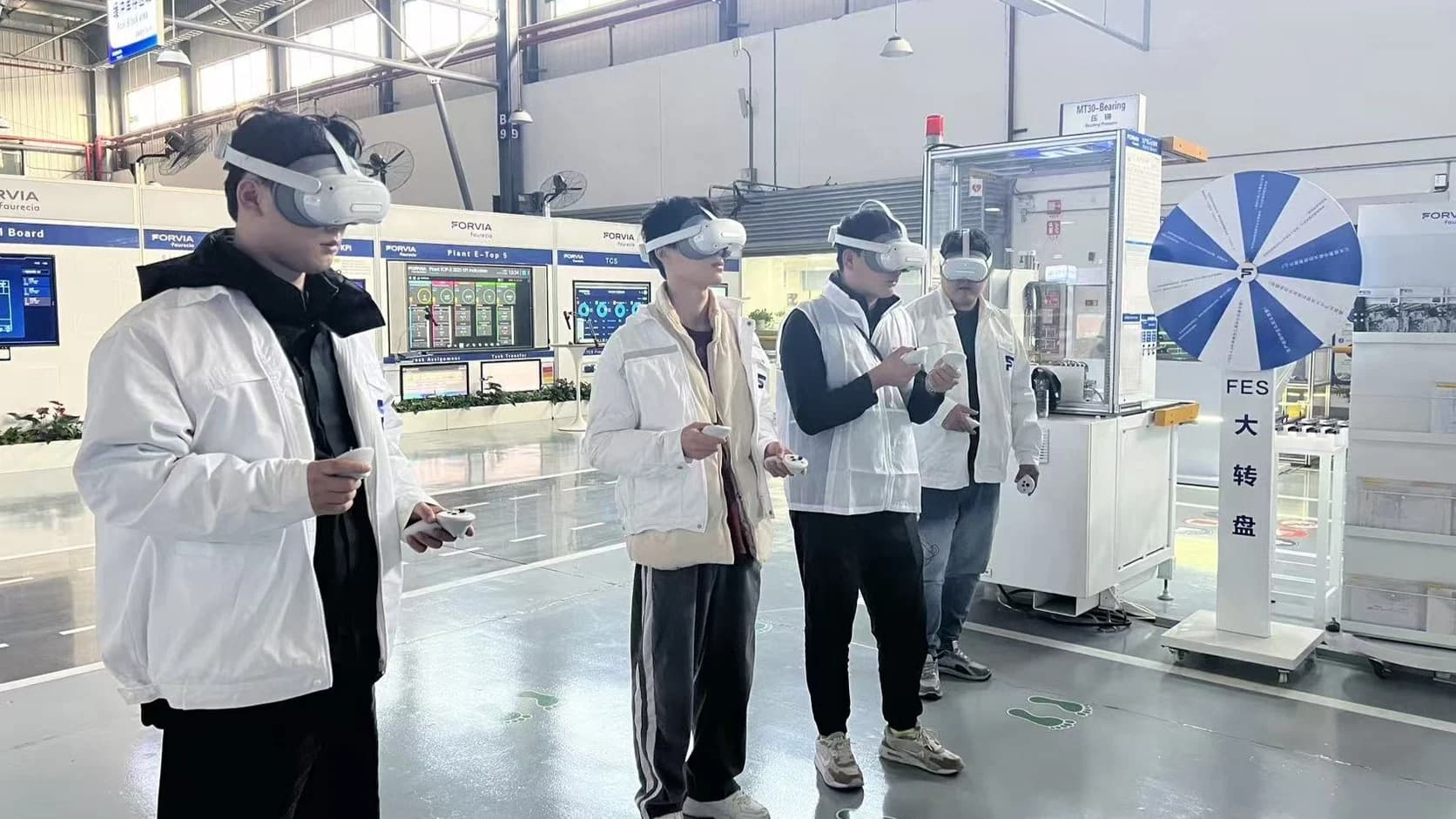
New employee and role onboarding
Introduce equipment, work sequence, hazards, and decision points before new employees move into supervised hands-on practice.
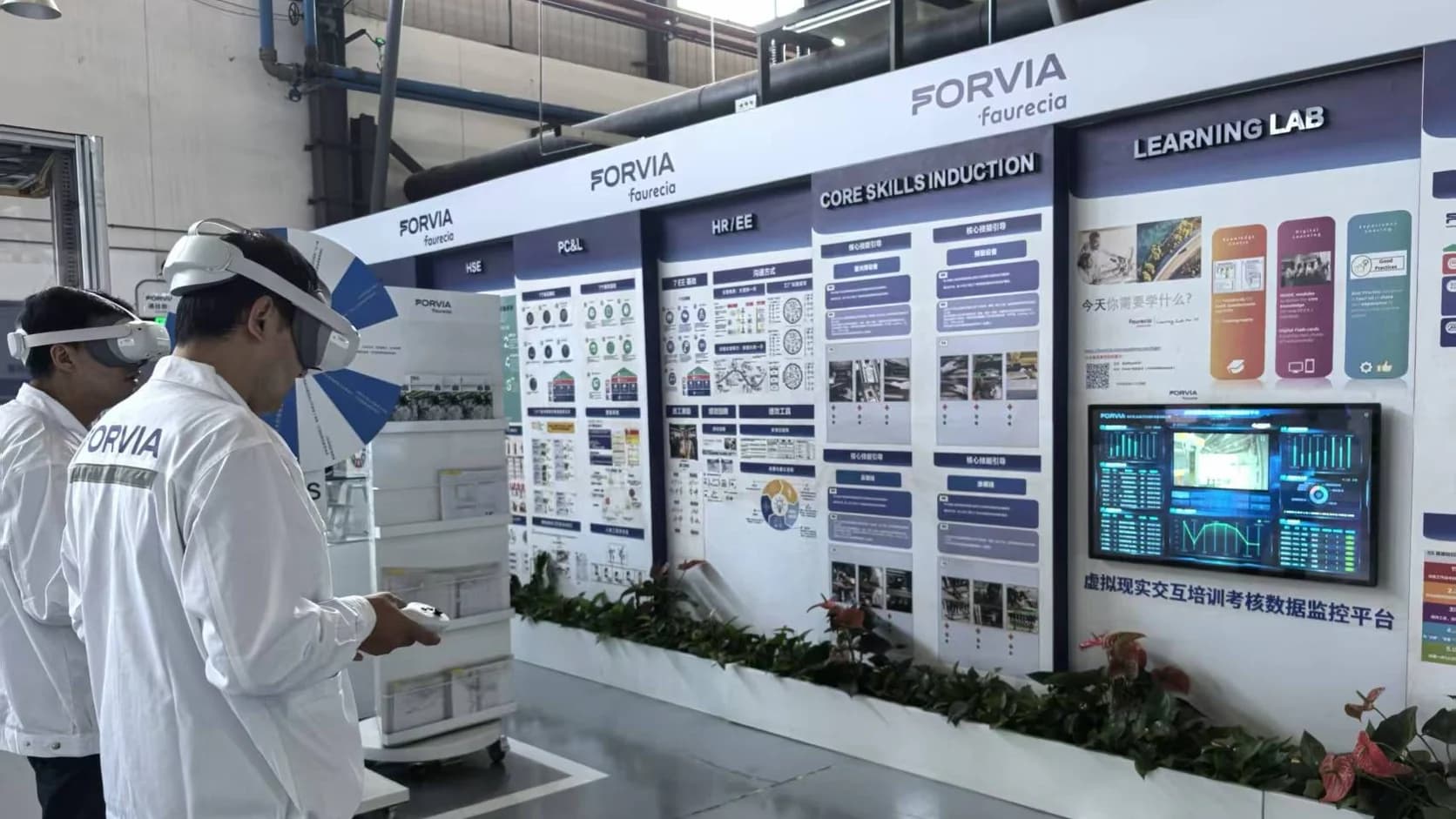
Prepare people for the work they will actually perform
Prepare people for real equipment and procedures with guided 3D content, digital twin practice, and a clear path from learning to supervised field work.
Connect data, workflows, and field execution so teams can understand context, act faster, and keep work traceable.
Use 3D models, animation, and spatial guidance to make equipment structure, hidden behavior, hazards, and complex sequences easier to examine.
Turn specialist walkthroughs and approved procedures into reusable content that training teams can review and update as equipment or standards change.
Let learners rehearse important steps and abnormal situations in guided or simulated environments before supervised work on operating equipment.
Combine desktop and mobile learning, spatial guidance, classroom review, and Simulator training stations according to the task and learner.
Carry approved guidance into supervised inspections and field tasks while keeping work records and evidence in Inspector or Checklist.
Use role-specific questions, observed steps, simulator results, and customer-approved assessment criteria to identify where more practice is needed.
Practical applications and proven success scenarios across industries.
Introduce equipment, work sequence, hazards, and decision points before new employees move into supervised hands-on practice.
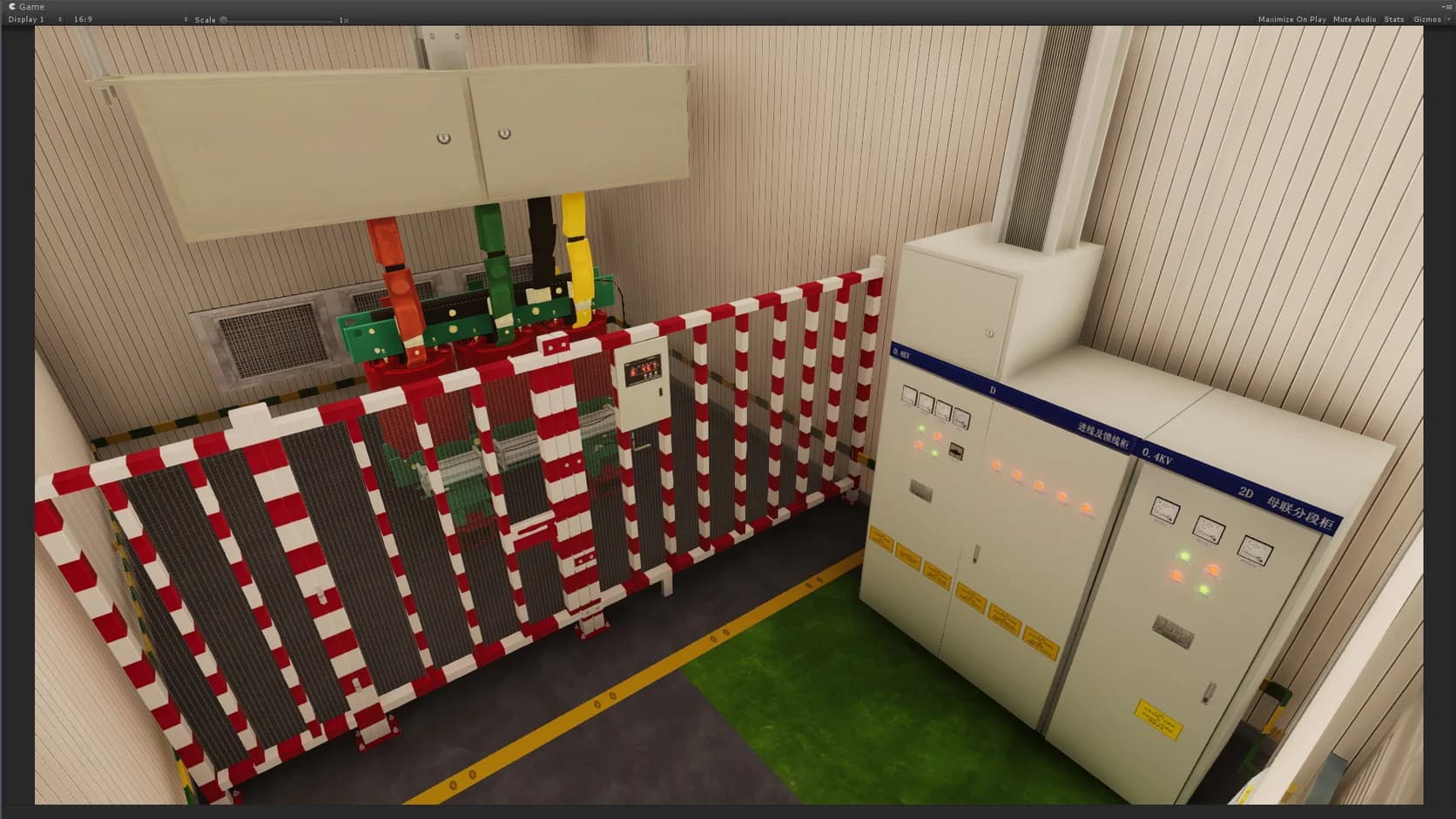
Teach disassembly, assembly, cleaning, inspection, and changeover procedures with the same equipment context used in approved guidance.
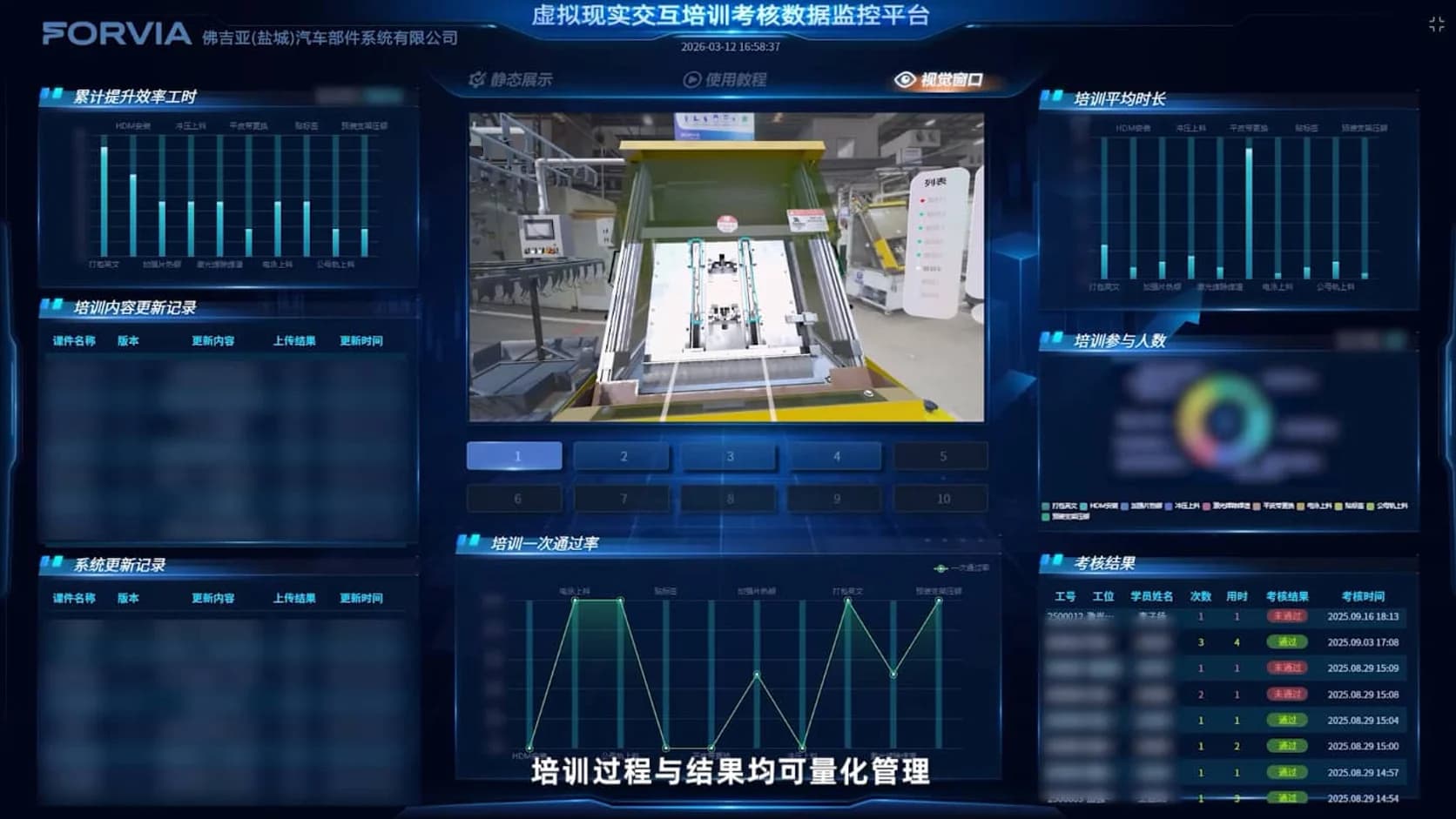
Review situations that are difficult, disruptive, or unsafe to reproduce during normal operations while preserving customer safety controls.
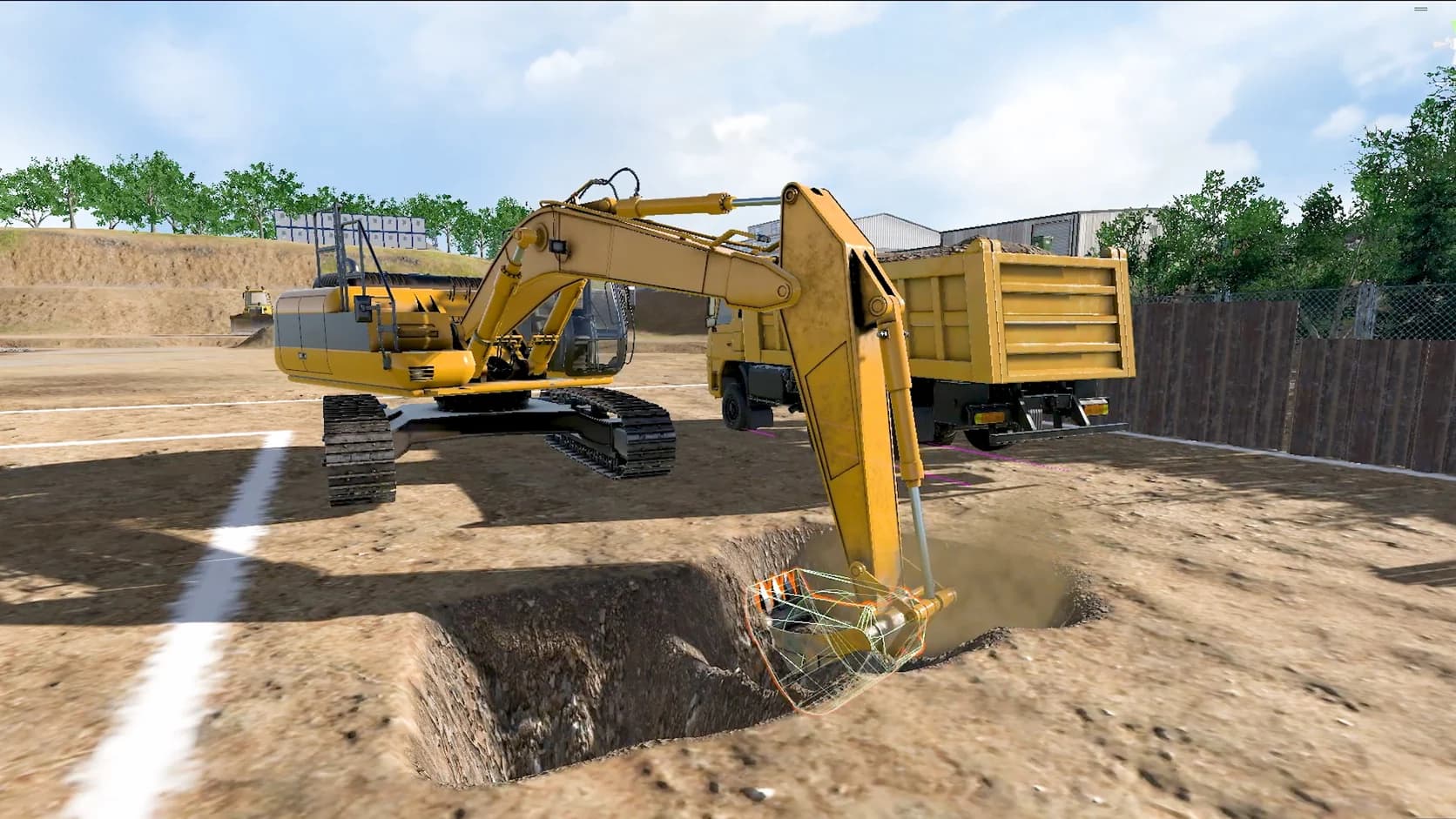
Use Simulator configurations for roles such as tower-crane and excavator operators where physical controls and repeated practice matter.
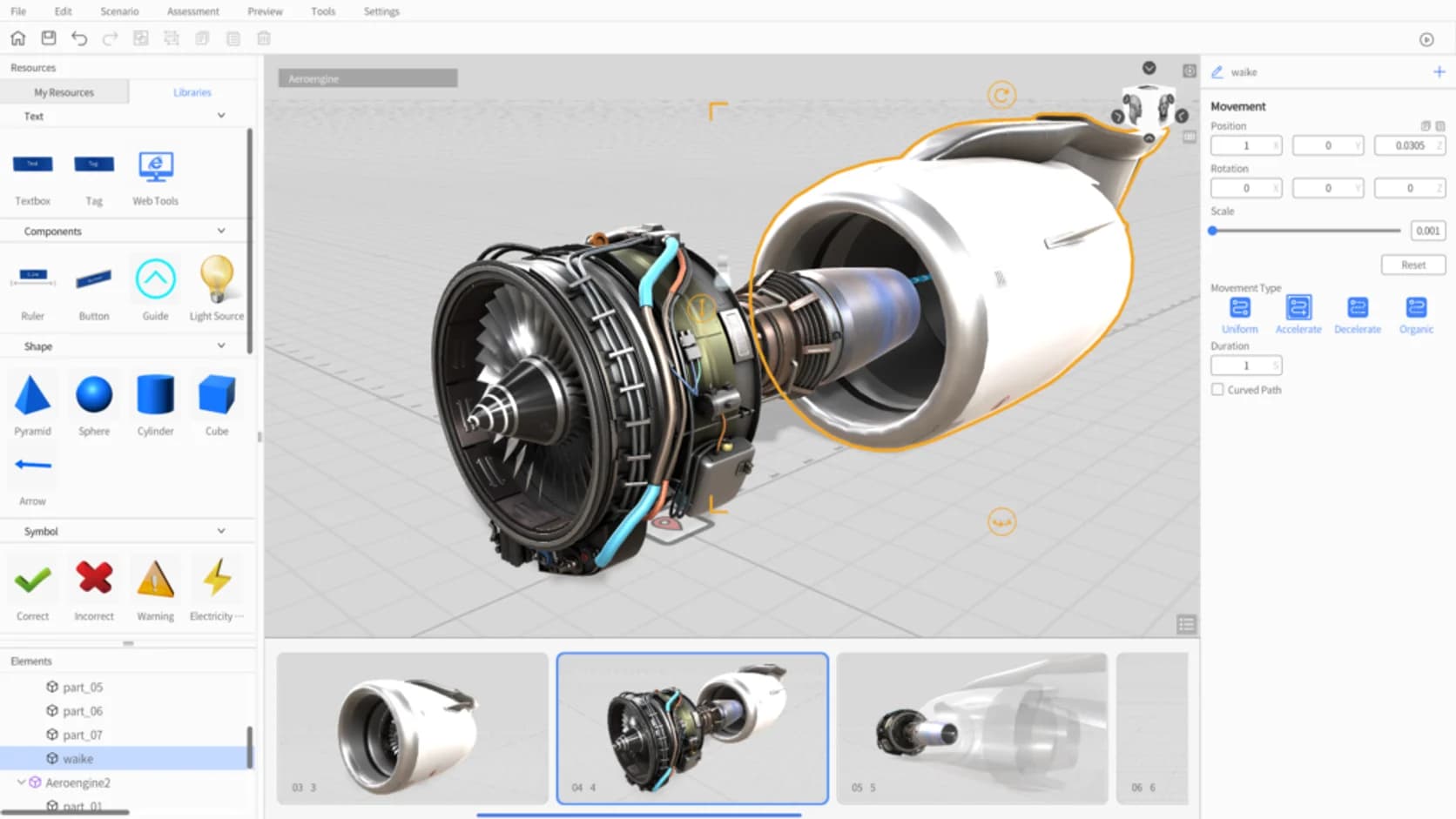
Reuse reviewed training content across shifts and sites while allowing for language, equipment, procedure, and regulatory differences.
Industrial training often has to balance limited access to equipment, instructor availability, safety rules, changing procedures, and the need for supervised practice. Documents and videos remain useful, but they can struggle to explain spatial relationships, internal equipment behavior, and the choices people must make during a task.
DataMesh combines guided 3D content, digital twin context, equipment simulation, and field workflows so training teams can choose the right learning method for each role. The objective is a clearer path from explanation to practice and then to supervised execution.
FactVerse provides shared equipment and spatial context across these workflows, creating a connected path from content creation and practice to supervised field execution.
Start by defining the role, the tasks that matter, the current training method, and the customer's readiness criteria. Capture the expert explanation in Director, select guided or Simulator-based practice according to the task, and review the material with instructors and safety owners.
Learners can then study and practice before moving into supervised field work. Inspector or Checklist can record the approved field steps and evidence where that is part of the operating process. Results from training and field observation help instructors identify which content or practice needs revision.
DataMesh supports explanation, repeatable practice, assessment inputs, and evidence. Customer training policies, qualified supervision, task authorization, regulatory requirements, real-equipment assessment, and formal certification remain part of the program from the start.
Training teams can measure whether learners understand the equipment and sequence, whether practice reveals common mistakes before field work, whether instructors can update content efficiently, and whether the selected device or Simulator configuration fits the role. These signals show where additional practice is needed and which programs are ready to expand.
Director creates guided 3D procedures and training content. DataMesh One delivers that content on supported devices. Simulator supports physics-based heavy-equipment practice. Inspector and Checklist carry approved steps into field tasks and retain work records and evidence.
DataMesh provides approved content, repeatable practice, assessment inputs, and evidence. Customers and their authorized training bodies apply their competency standards, supervision, task authorization, and certification process.
Choose devices by task. Desktop and mobile devices suit self-study and review; supported spatial devices help when position, scale, or hands-free viewing matters; Simulator stations suit equipment roles that require physical controls.
Training can use approved historical, synthetic, or simulated conditions when they improve the scenario. Live connections are designed as read-only training inputs with clear separation from operating-equipment controls.
Select one role and a small set of important tasks, name the subject-matter expert and training owner, define readiness criteria, and compare the new workflow with the current learning and supervised-practice process.
Continue with the most relevant products, solutions, guides, and public references for this topic.