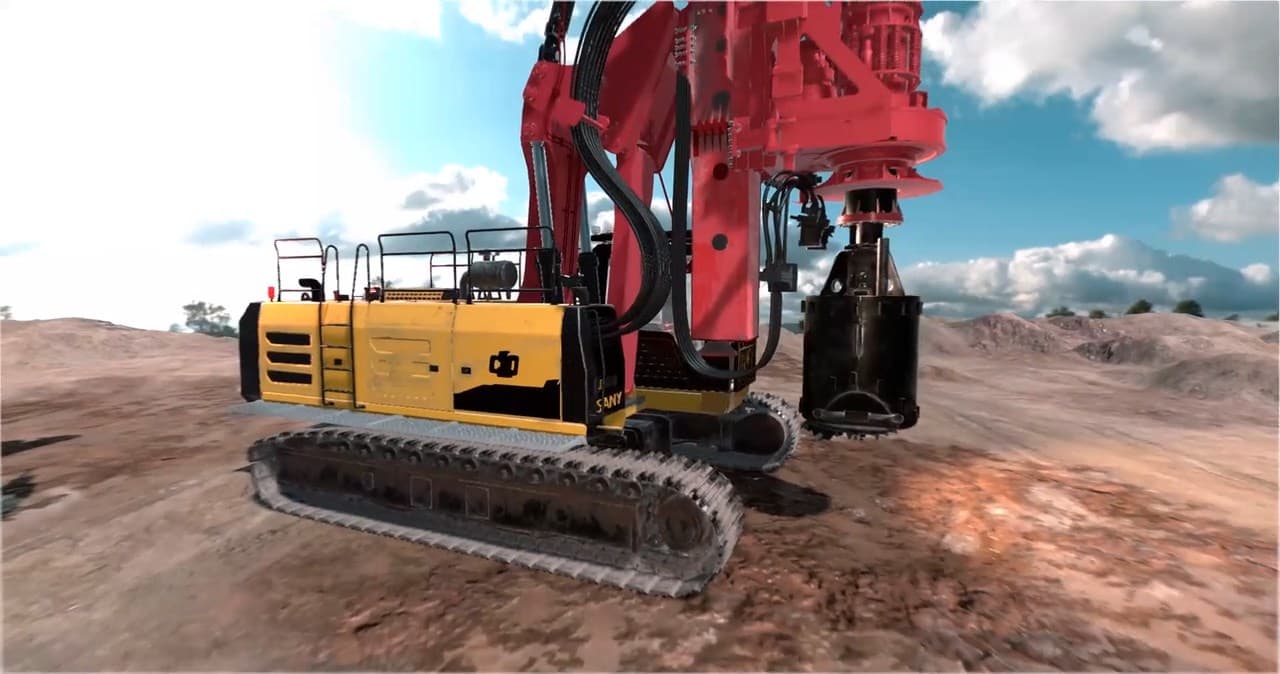
SANY: drill rig operator training
DataMesh delivered 6DOF drill rig simulator programs for multiple machine models, giving operators a consistent environment for equipment-specific practice and assessment.
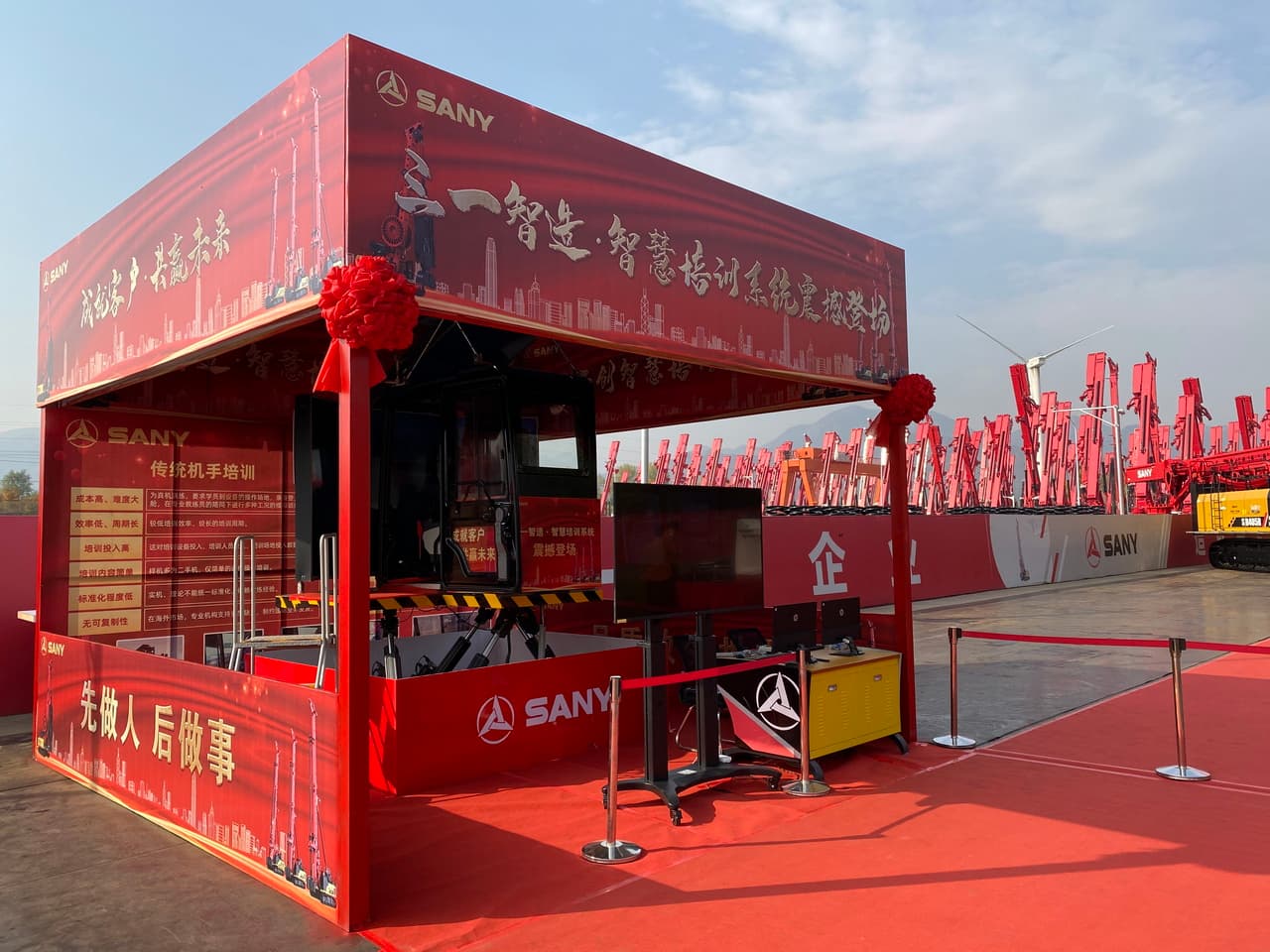
Build operator confidence before they take control
Build equipment-specific operator skills through repeatable digital twin practice, realistic controls, physics-based response, and measurable assessment before trainees take control of real machinery.
Connect data, workflows, and field execution so teams can understand context, act faster, and keep work traceable.
Configure the scene, controls, task sequence, operating conditions, and assessment criteria around the target machine and operator role.
Let trainees repeat start-up, maneuvering, positioning, task execution, shutdown, and exception scenarios without waiting for production equipment to become available.
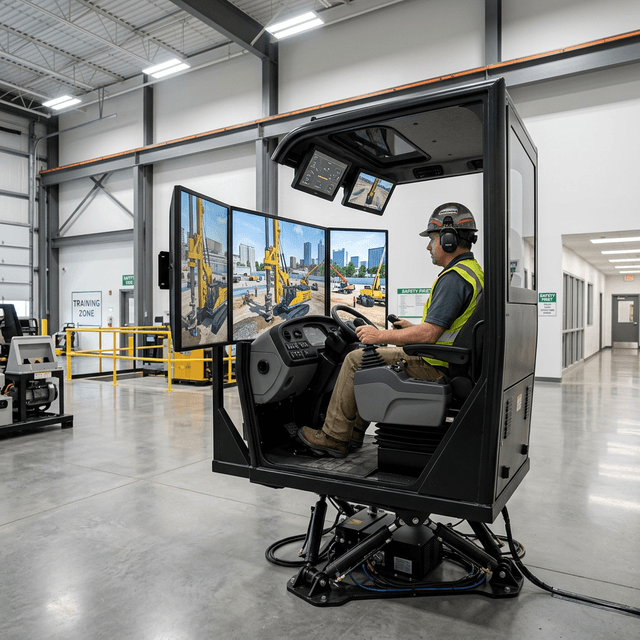
Combine digital twin scenes with equipment controls, visual feedback, audio, vibration, and motion options when the training objective depends on physical behavior.
Record task completion, sequence accuracy, operating errors, and instructor observations so supervisors can review readiness against an agreed training standard.
Deliver professional programs through desktop stations, physical controls, equipment cabins, or 3DOF and 6DOF motion configurations based on the required level of immersion.
Support training for tower cranes, forklifts, rotary drilling rigs, deep well casing drilling rigs, excavators, and customer-specific equipment.
Practical applications and proven success scenarios across industries.
DataMesh delivered 6DOF drill rig simulator programs for multiple machine models, giving operators a consistent environment for equipment-specific practice and assessment.
Sunward used DataMesh Simulator to create operator training for rotary drilling equipment with digital twin scenes, controls, and guided task practice.
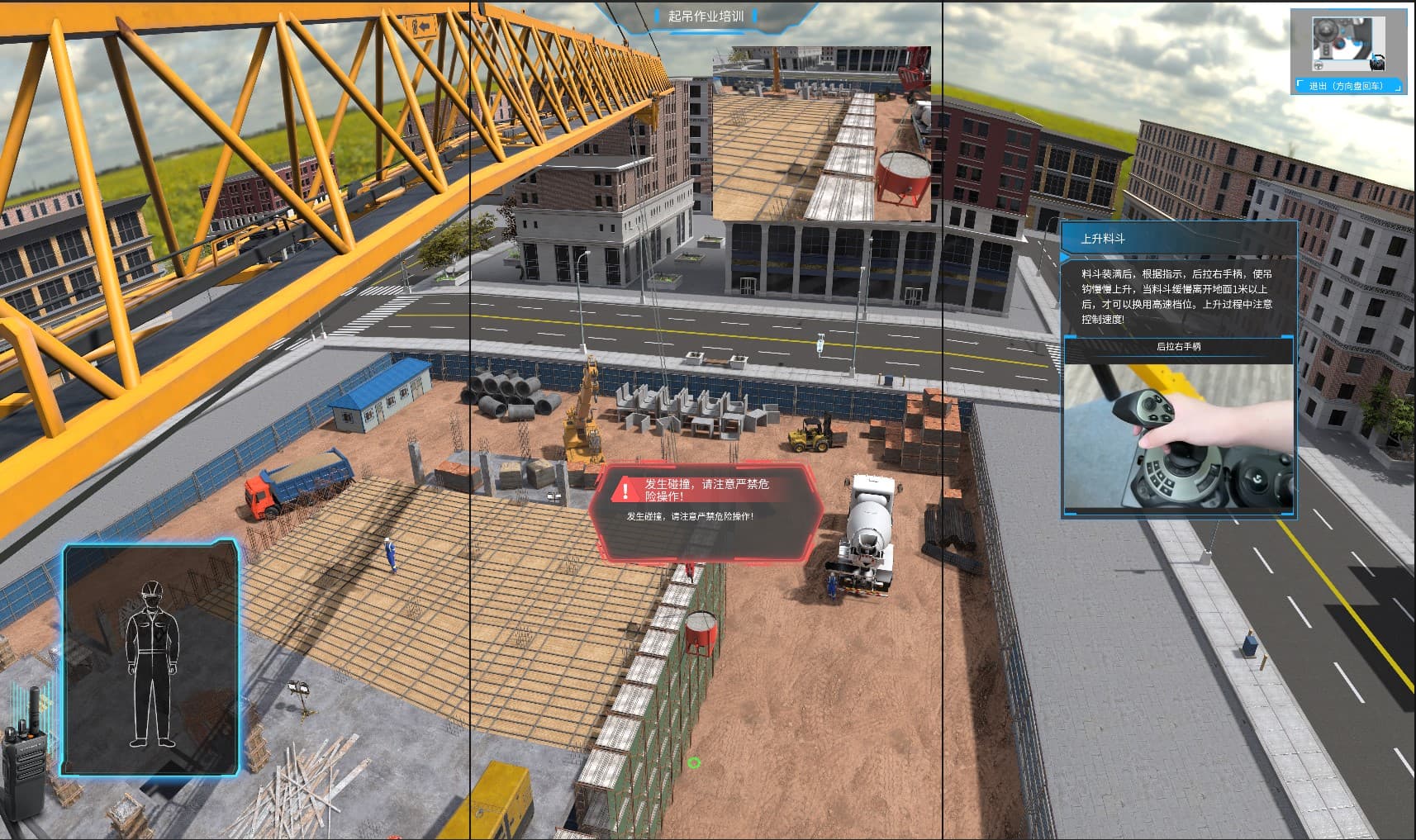
Rehearse control familiarization, positioning, load handling, and instructor-defined operating scenarios before using a live training machine.
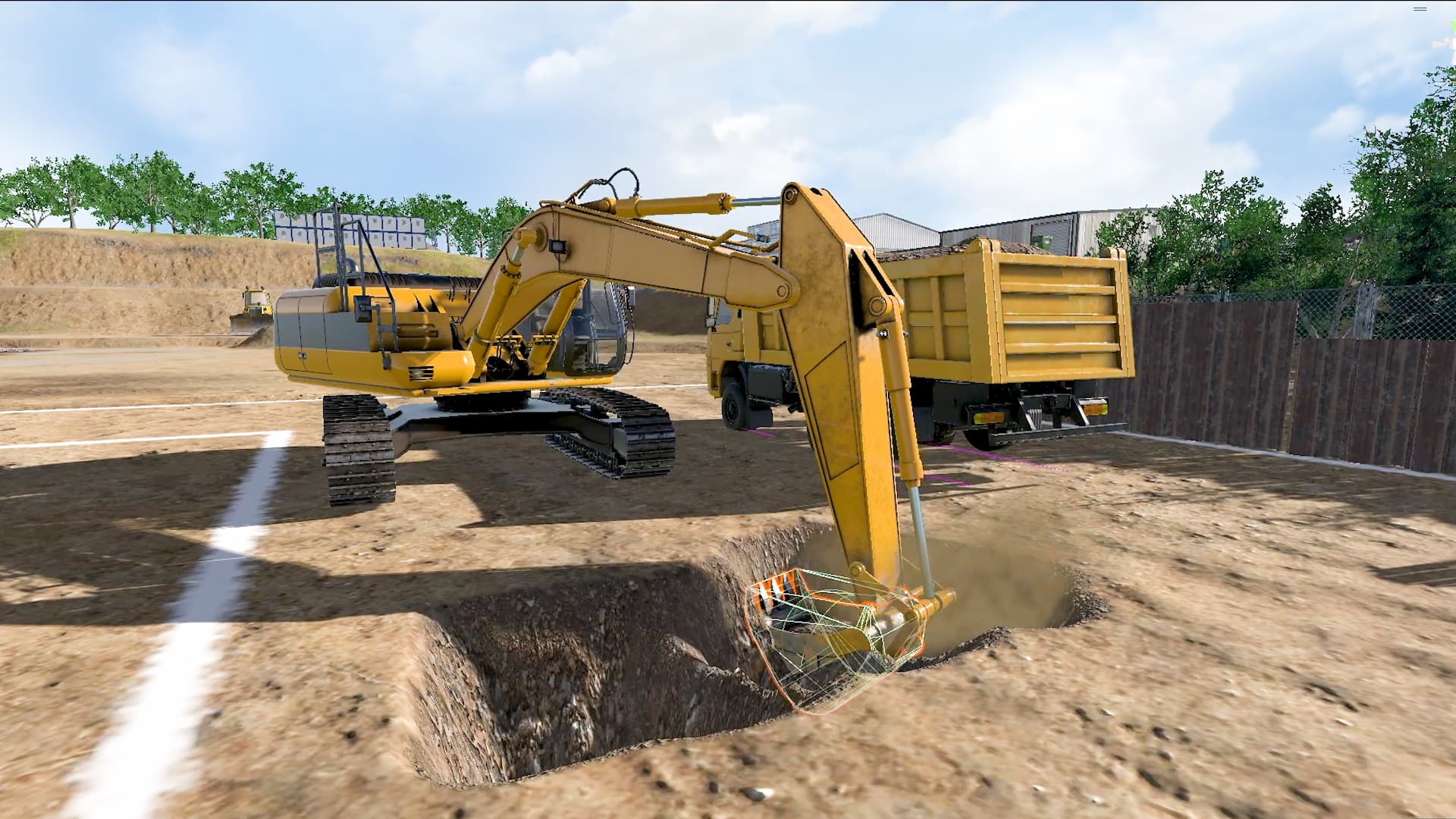
Build a repeatable curriculum for equipment manufacturers, contractors, training providers, and vocational institutions with the delivery form matched to each program.
Heavy equipment training competes with production schedules, instructor availability, machine access, fuel, site conditions, and safety controls. New operators still need enough practice to understand the controls, sequence work correctly, recognize abnormal conditions, and respond consistently before they operate a live machine.
DataMesh Simulator turns the target machine and job role into a repeatable training environment. Digital twin scenes, equipment behavior, controls, guided scenarios, and assessment criteria give trainees room to practice while supervisors retain evidence of progress and readiness.
Simulator is configured around the learning objective. Desktop and fixed-base stations support control familiarization, procedure learning, and broad access. Physical consoles and equipment cabins increase equipment specificity. Motion platforms, audio, vibration, and expanded visual systems can be added when movement and control response are important to the training standard.
This keeps hardware in service of the curriculum instead of forcing every program into the same configuration.
Current programs cover tower cranes, forklifts, rotary drilling rigs, deep well casing drilling rigs, excavators, and other construction or heavy equipment. Customer-specific programs can be developed when the required equipment data, controls, procedures, intellectual-property permissions, and subject-matter expertise are available.
A Simulator program can capture completion, sequence accuracy, errors, timing, scenario outcomes, and instructor observations. The customer defines which measures demonstrate familiarization, task proficiency, or readiness for the next stage of training. Results support coaching and governance. Site authorization and legally required certification continue to follow the customer's applicable procedures and regulations.
DataMesh has delivered drill rig simulator programs with SANY and Sunward and has published training experiences for tower crane operations and crawler excavators. These references show how the platform can be adapted to different machine types, controls, and training objectives.
DataMesh also publishes Operator Training: Heavy Equipment on Steam as a simplified way to experience the interaction model. Enterprise and education deployments extend that foundation with equipment-specific content, professional hardware, assessment, rollout services, and support.
The fastest route to a useful pilot is a clearly defined operator role, one equipment type, and a small set of high-value tasks. DataMesh works with the customer to confirm source material, controls, scenarios, assessment criteria, delivery form, and acceptance plan before expanding to additional equipment or sites.
A pilot starts with one equipment type and a defined operator role. The team agrees the tasks, controls, operating conditions, assessment rules, content ownership, and target deployment environment before configuring the simulator.
Existing programs cover tower cranes, forklifts, rotary drilling rigs, deep well casing drilling rigs, excavators, and other construction or heavy equipment. Customer-specific programs depend on access to equipment behavior, controls, operating procedures, and authorized content.
No. The delivery form follows the training objective. Desktop or fixed-base stations can support familiarization and procedure practice, while physical controls, cabins, 3DOF, or 6DOF motion can be added when control feel and movement are important to assessment.
Assessment can combine sequence completion, task accuracy, operating errors, timing, scenario outcomes, and instructor review. The final criteria are agreed with the customer for each equipment role.
The Steam release is a simplified public reference experience. Professional deployments add customer-specific equipment, curricula, controls, hardware, assessment, deployment, and support.
Continue with the most relevant products, solutions, guides, and public references for this topic.