
Common operating layer across CMMS providers
Coordinate work orders from different service providers and sites in one view while retaining each downstream CMMS as the system responsible for execution.

Turn operational demand into coordinated, traceable field work
Coordinate work requests, work orders, technicians, crews, preventive maintenance, inventory, field evidence, and external CMMS records in one asset-aware operating workflow.
Connect data, workflows, and field execution so teams can understand context, act faster, and keep work traceable.
Capture requests from field workers, portals, email, alarms, and AI-assisted conversations, then keep the requester, asset, location, severity, photos, and voice notes together for triage.
Review, prioritize, convert, assign, start, complete, and verify work with clear ownership, service-level tracking, status history, and completion evidence.
Assign work to internal technicians, contractors, or crews using skills, certifications, availability, location, and operating responsibility.
Connect preventive-maintenance schedules, automatically generated work orders, spare-parts availability, stock movements, and equipment history.
Keep downstream maintenance systems in place while centralizing asset mappings, cross-system work orders, ownership, synchronization status, and operating visibility across providers.
Deliver checklists, digital procedures, asset context, photos, readings, approvals, and exception records through Inspector, Checklist, and Director.
Practical applications and proven success scenarios across industries.
Coordinate work orders from different service providers and sites in one view while retaining each downstream CMMS as the system responsible for execution.
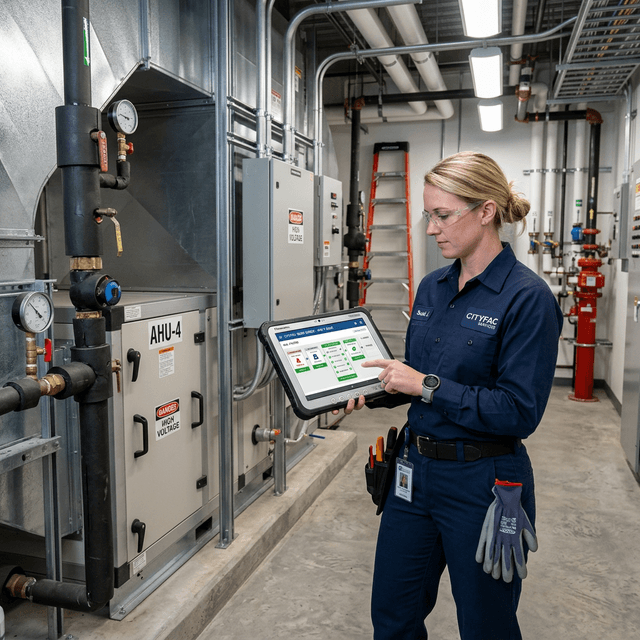
Capture a request, triage it, create the work order, assign the right technician or crew, and retain the evidence required for review.

Generate scheduled work, review overdue tasks, confirm parts availability, and record consumption as maintenance is completed.
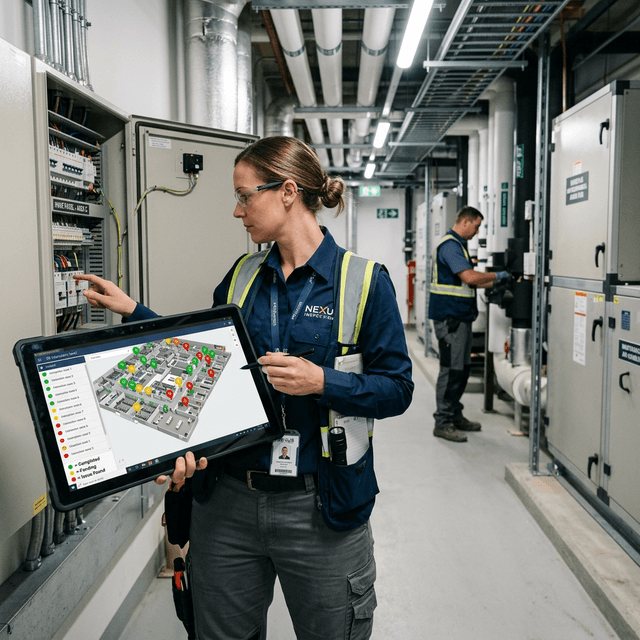
Standardize recurring inspections, commissioning, quality checks, and regulated procedures with required steps and completion records.
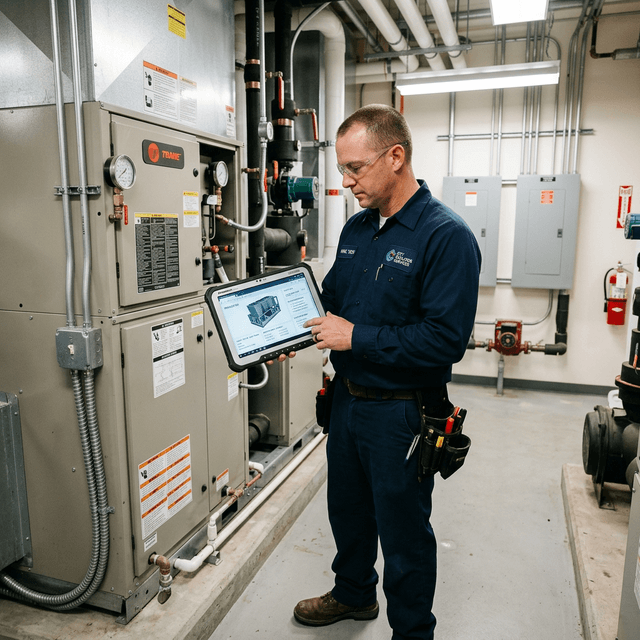
Keep open issues, temporary measures, responsibilities, handover notes, and follow-up work visible across shifts, sites, and service partners.
Large facilities often operate several maintenance environments at once. Different buildings, contractors, equipment groups, or regions may use different computerized maintenance management systems. Field requests arrive through additional channels, while alarms, asset data, procedures, and inventory live elsewhere.
DataMesh creates a shared operating layer across that landscape. Each downstream CMMS can continue to manage the work it owns, while facility teams gain a consistent view of demand, priorities, asset context, assignment, synchronization status, and completion evidence.
Work requests can enter from field workers, portals, email, alarms, and natural-language interactions. The request carries the requester, equipment, location, severity, description, photos, voice notes, and geolocation where available.
Supervisors can review and prioritize the request, convert it into a work order, or reject it with a reason. This gives maintenance teams a controlled intake process before demand reaches the execution queue.
Data Fusion Services connects maintenance platforms through project-specific APIs, adapters, webhooks, databases, messages, or file interfaces. Asset mappings relate the same equipment across systems. Cross-system work-order views preserve the source platform, external reference, owning provider, and synchronization status.
This operating model is designed for portfolios where downstream systems remain in use. DataMesh provides centralized coordination and visibility without forcing every building or service provider into one transactional system.
Inspector supports the work-order lifecycle from assignment through completion. Work can be dispatched to internal technicians, contractors, or crews. Preventive-maintenance schedules can generate recurring work orders, while spare-parts and inventory records help teams confirm readiness and record consumption.
Managers can review open work, overdue preventive maintenance, service-level breaches, backlog, and maintenance trends from the same operating context.
Checklist structures required checks and evidence. Director delivers guided procedures when equipment structure or spatial instruction matters. Inspector keeps the task connected to the correct asset, location, alarm, maintenance history, documents, photos, readings, approvals, and completion notes.
The resulting record supports shift handover, contractor review, audit preparation, and continuous improvement of recurring work.
FactVerse AI Agent can assist with request interpretation, alarm and asset-context review, work prioritization, knowledge retrieval, and preparation of recommended actions. The configured roles, approval steps, permissions, and execution controls determine how each recommendation enters the operating workflow.
A focused first phase may connect one service provider, one work-request channel, and one critical equipment group. Validate asset mappings, synchronization, assignment, field records, and management visibility before expanding to more CMMS providers, sites, preventive-maintenance programs, and inventory processes.
Existing systems can continue to manage their assigned work. DataMesh provides a shared integration and operating layer for asset mappings, cross-system work orders, synchronization status, and portfolio visibility.
Requests can arrive from field workers, web portals, email, alarms, and natural-language interactions. Each request can carry asset, location, severity, requester, photo, voice, and geolocation context.
Yes. Technicians and crews can be managed as operating resources with skills, certifications, availability, contractor relationships, and contact details.
Due preventive-maintenance schedules can generate work orders. Teams can review overdue work, related parts, low-stock conditions, issue and receipt transactions, and the parts consumed during execution.
FactVerse AI Agent can help interpret requests, review asset and alarm context, suggest priorities, and prepare actions. Site roles, approvals, and execution controls remain part of the configured operating process.
Continue with the most relevant products, solutions, guides, and public references for this topic.