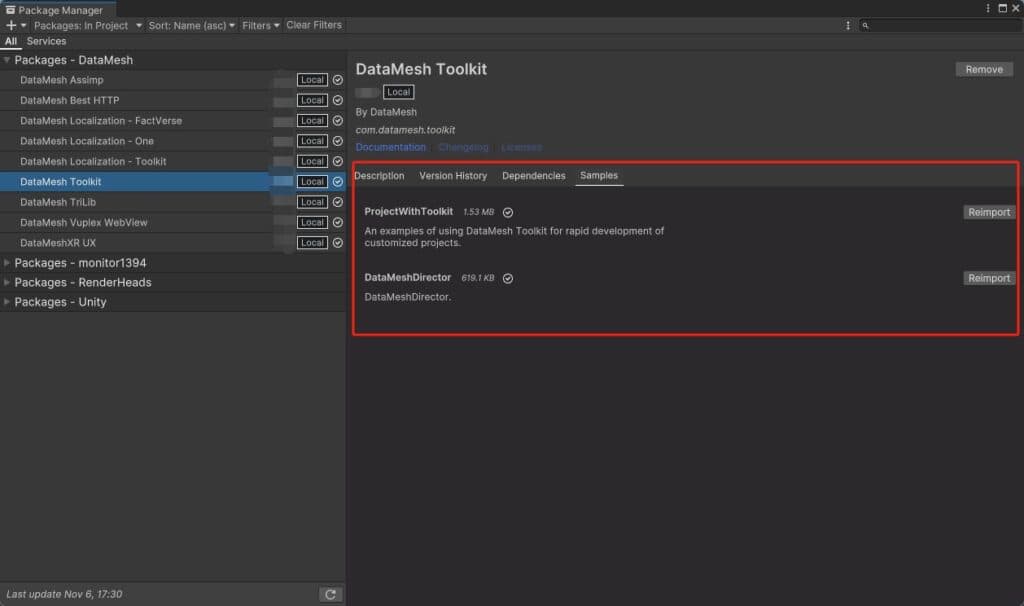
Customer-specific digital twin applications
Build a focused experience for a role, facility, asset class, or operating workflow while reusing FactVerse identity, resources, and digital twin context.
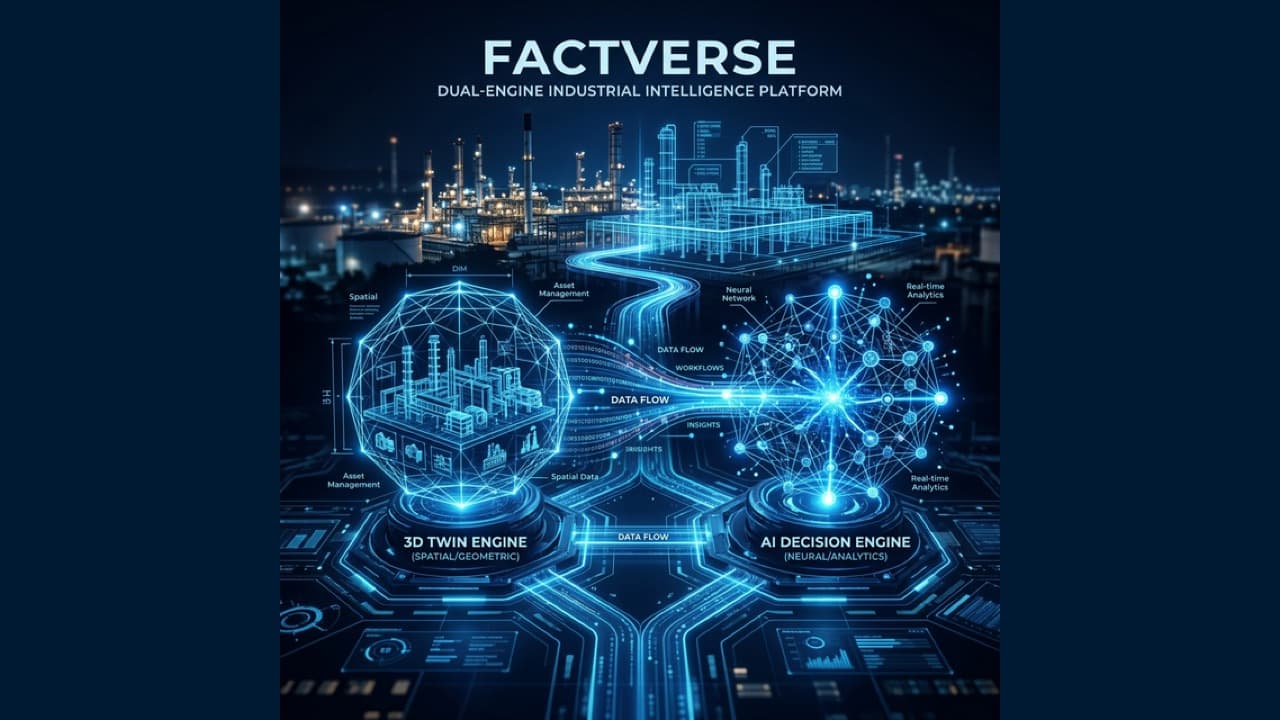
Build governed digital twin experiences on FactVerse
Extend Unity applications with version-matched FactVerse services for authenticated access, governed resources, Director scenario playback, digital twin scenes, and property binding.
Connect data, workflows, and field execution so teams can understand context, act faster, and keep work traceable.
Start from a tested SDK release, dependency set, sample scenes, and configuration guidance, reducing the work required to assemble the FactVerse integration layer.
Connect applications to FactVerse authentication, account, and tenant selection so access follows the platform environment used by the customer.
Browse and retrieve approved 3D models, images, videos, audio, and Director scenarios from the FactVerse resource library.
Bring Director-authored procedures, training content, and review scenarios into a customer-specific Unity application.
Load FactVerse scenes, access digital twin entities, and bind application behavior to selected properties and operational data.
Align the SDK, Unity version, third-party packages, target devices, authentication model, and FactVerse release before implementation.
Practical applications and proven success scenarios across industries.
Build a focused experience for a role, facility, asset class, or operating workflow while reusing FactVerse identity, resources, and digital twin context.
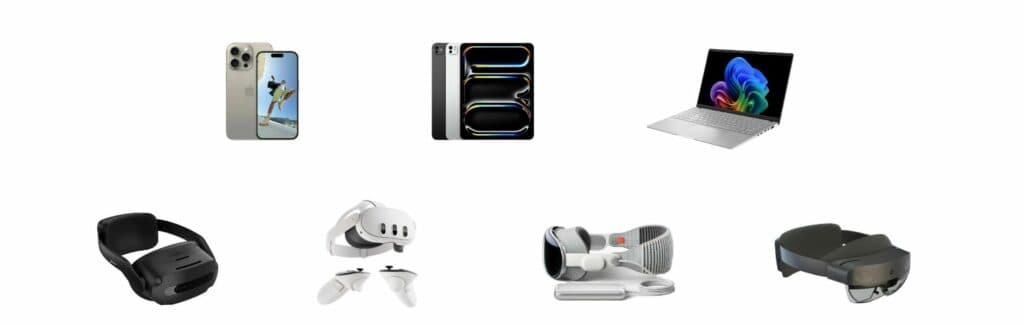
Deliver Director-authored guidance or training inside an enterprise Unity application with a customer-specific interface and surrounding workflow.
Load governed FactVerse scenes and connect selected entity properties to dashboards, controls, or role-specific visualizations.
Validate authentication, resource access, scene playback, property binding, and target-device behavior before committing to a production build.
Enterprise teams often need a digital twin experience shaped around a specific role, device, facility, or workflow. FactVerse SDK gives Unity developers a supported starting point for using selected FactVerse services inside that experience while keeping identity, resources, scenes, and digital twin entities connected to the platform.
The result is a customer-specific application that reuses governed FactVerse content and platform context within the customer's own experience.
The current Unity SDK and samples cover the integration path most teams need first:
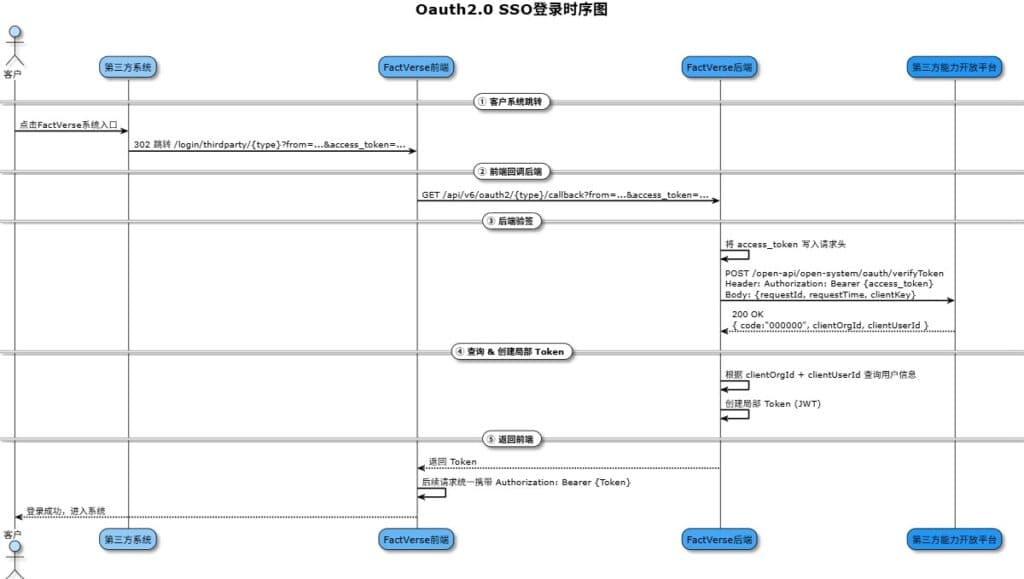
Cloud APIs, single sign-on, and customer-specific extensions can be included when they are part of the reviewed solution scope.
FactVerse remains the system of record for tenants, governed resources, scenes, and digital twin context. Director remains the authoring environment for guided scenarios. The customer application owns its interface, role-specific workflow, device interaction, and any approved business logic added around those platform services.
This separation gives product teams room to create a differentiated application while preserving a maintainable path for content updates, platform upgrades, and access control.
SDK delivery is versioned. Project teams evaluate Unity, the Universal Render Pipeline, third-party packages, FactVerse services, and target-device runtimes as one combination. The public guide identifies a tested baseline and required packages; project teams confirm the production matrix against the release supplied for their implementation.
This release-based approach keeps compatibility decisions concrete and gives the implementation team a clear basis for regression testing and upgrades.
The FactVerse Unity SDK v7.4.1 User Guide documents package setup, required and optional dependencies, login, resource-library access, Director scenario playback, FactVerse scene playback, and sample projects. DataMesh product release coverage also records URP adoption and digital twin property-binding examples in the SDK line.
Customer applications and their source code are typically private. Technical evaluation therefore starts with the published integration surfaces and proves the customer's required workflow against the supplied SDK release.
Choose one representative experience with a defined FactVerse environment, target device, content set, and data interaction. DataMesh can use that scope to confirm the release matrix, prototype path, responsibilities, and production acceptance criteria.
FactVerse SDK is a versioned Unity integration kit for applications that need selected FactVerse platform capabilities, including authentication, resource access, Director scenario playback, FactVerse scenes, and digital twin entity interaction.
The current public Unity guide covers SDK packages and dependencies, FactVerse login and tenant selection, resource-library access, Director scenario playback, FactVerse scene playback, and sample projects.
Support depends on the SDK release, Unity target, rendering pipeline, third-party packages, FactVerse version, and device runtime. DataMesh validates the intended combination during technical evaluation.
Applications connect to a configured FactVerse environment and operate in its account, tenant, and resource-access context. Single sign-on and custom identity flows are scoped during integration design.
Select one representative workflow and target device, confirm the release matrix, then prove login, resource access, content playback, data binding, performance, and packaging in a focused prototype.
Continue with the most relevant products, solutions, guides, and public references for this topic.