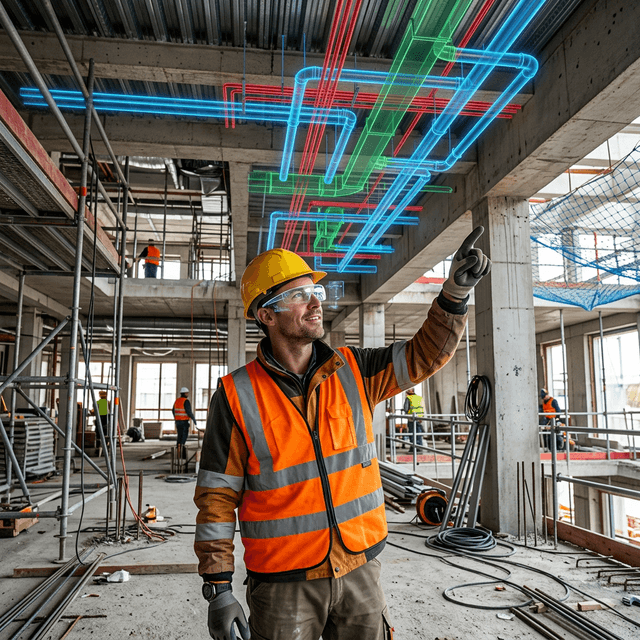
MEP installation guidance
Review complex mechanical, electrical, and plumbing routes in 3D and guide teams through location-aware installation and inspection steps.
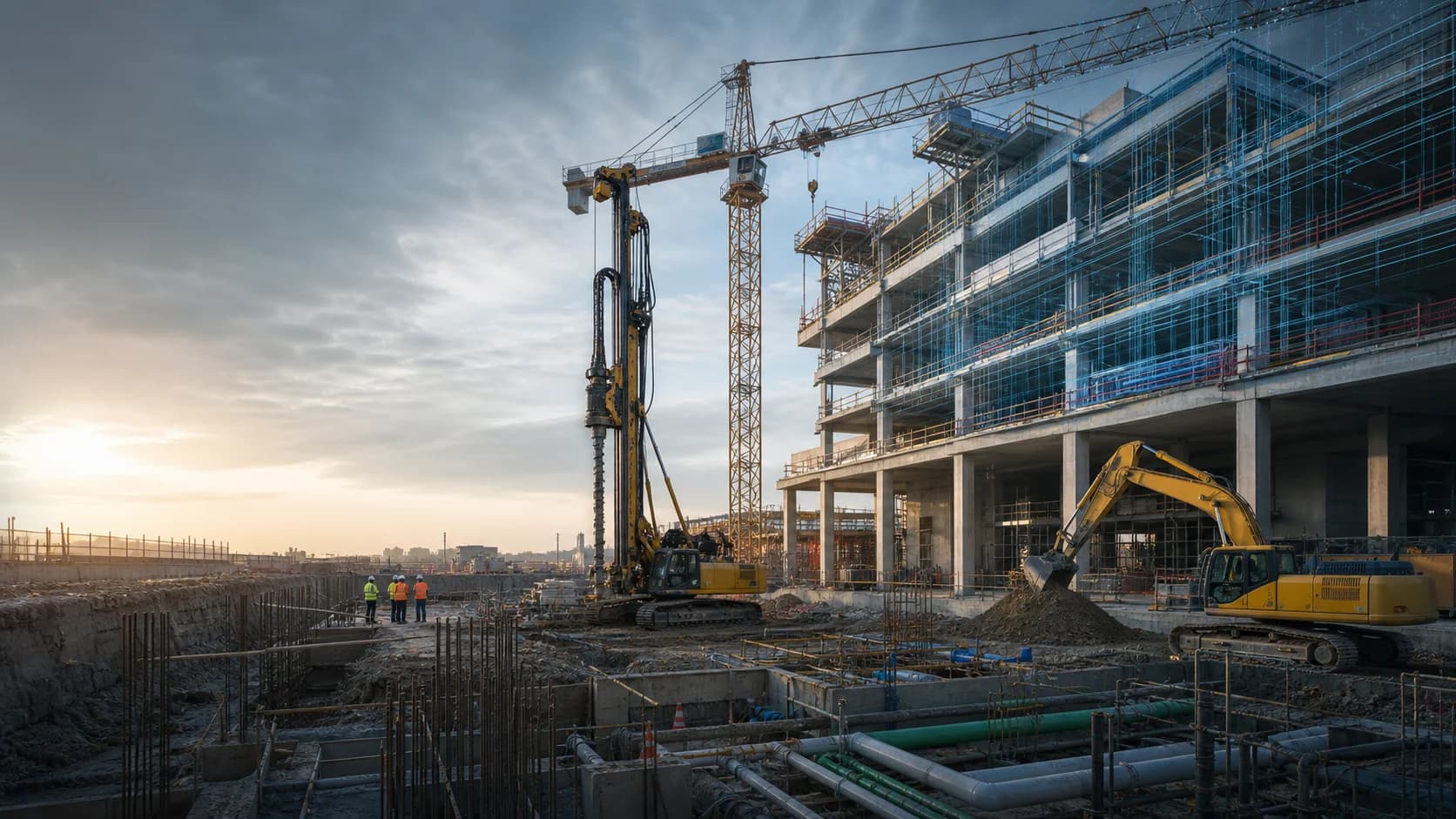
BIM-to-field digital twins for construction planning and execution
Turn BIM, site context, equipment simulator training, safety procedures, inspection records, and construction planning into practical digital twin workflows for project teams and field crews.
Connect data, workflows, and field execution so teams can understand context, act faster, and keep work traceable.
Import BIM and 3D assets into FactVerse so project teams can review spatial relationships, construction zones, MEP routes, and site constraints in context.
Use DataMesh One and Director-authored guidance to bring installation steps, safety notes, and inspection points to the field.
Use the digital twin to align owners, designers, contractors, and trades before physical work begins or before a costly rework decision.
Create repeatable 3D and simulation-based training for high-risk tasks, site orientation, equipment procedures, and emergency scenarios.
Use DataMesh Simulator for tower crane, forklift, rotary drilling rig, deep well casing drilling rig, excavator, and other construction equipment training without occupying real machines.
Use Inspector to capture site issues, assign corrective actions, track evidence, and verify closure in the context of the model and location.
Use FactVerse Designer for visual planning, construction sequence review, logistics layout, and scenario comparison where virtual validation is needed.
Practical applications and proven success scenarios across industries.
Review complex mechanical, electrical, and plumbing routes in 3D and guide teams through location-aware installation and inspection steps.
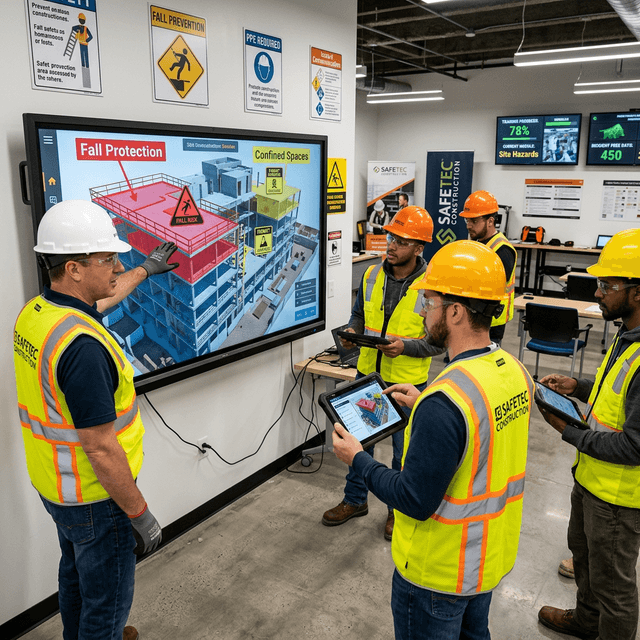
Turn site risks, equipment tasks, and emergency procedures into reusable 3D and simulation-based training before workers enter high-risk areas.
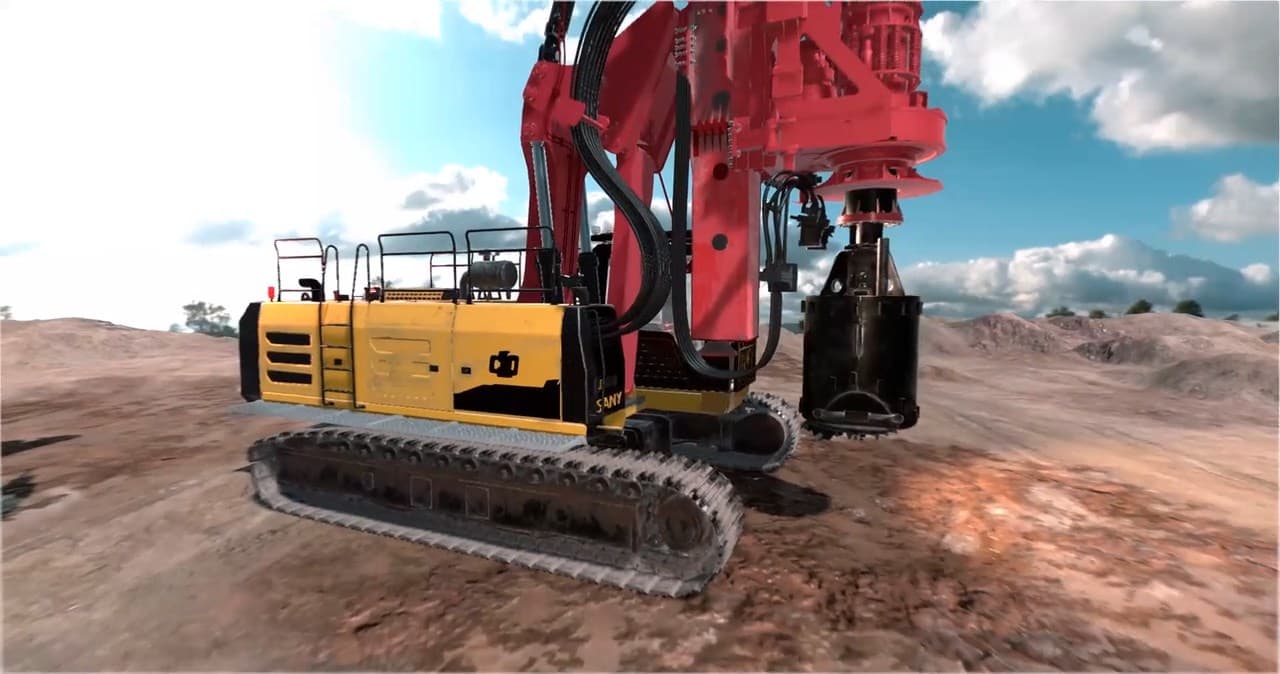
Train tower crane, forklift, rotary drilling rig, deep well casing drilling rig, excavator, and other equipment operators through digital twin simulation, physical controls, and structured assessments.
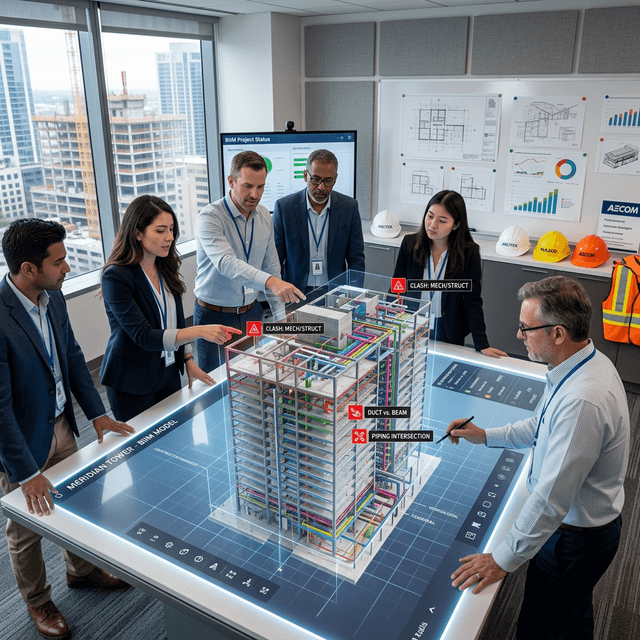
Bring owners, designers, contractors, and trades into the same digital twin view to review clashes, sequencing, and constructability.
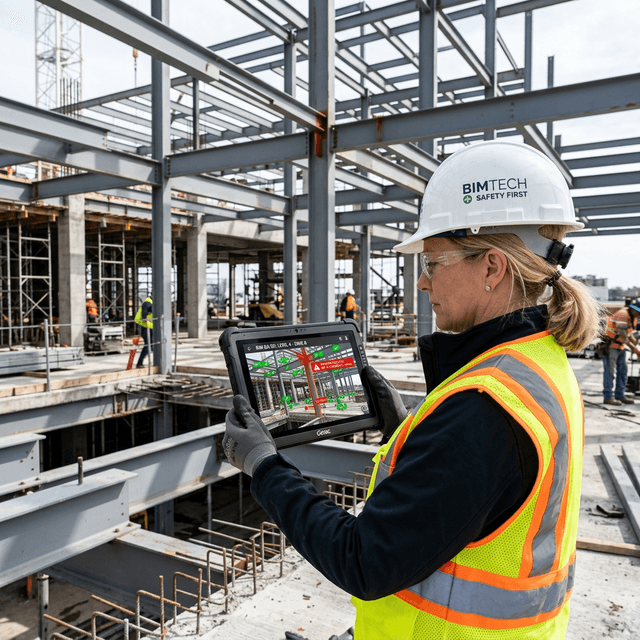
Capture field findings, compare them with model context, and manage corrective action through Inspector.
BIM is valuable, but construction teams often lose its value when the model stays in design reviews and the field works from disconnected drawings, photos, chat messages, and issue lists. DataMesh turns BIM and 3D assets into digital twin workflows that field teams can use for planning, guidance, inspection, equipment simulation, and training.
The model connects to execution: location, task, procedure, issue, evidence, and closure.
FactVerse provides the spatial context, Director creates guided procedures and training, DataMesh One brings content to field devices, and Inspector captures issues and corrective actions. When teams need visual planning or scenario comparison, FactVerse Designer supports layout, sequence, logistics, and virtual review workflows.
Common workflows include:
Designer supports construction sequence views, layout planning, and scenario comparison. Director supports guided SOPs, training, and field instructions. Inspector supports inspections, work orders, issues, evidence, and closure. Simulator supports construction equipment operator training with digital twin simulation and hardware configurations such as motion platforms, cabins, controls, and desktop stations. AI Agent supports analysis and review from the shared project context.
A useful construction pilot should show whether teams coordinate earlier, reduce ambiguity in the field, standardize safety training, capture issues with better context, and close corrective actions with evidence. Avoid promising fixed schedule or cost savings without project-specific validation.
Continue with the most relevant products, solutions, guides, and public references for this topic.
DataMesh uses BIM and 3D assets as operating context. Design authoring remains in tools such as Revit, Archicad, Bentley, or IFC-based workflows.
Visual planning, layout review, sequence review, and scenario comparison are Designer-led workflows. AI Agent supports analysis and recommendations from that context.
Field guidance and training can be delivered through DataMesh One on supported mobile, desktop, and XR devices depending on the deployment scenario.
Simulator is a digital twin and physics simulation platform for equipment operator training. Deployments can use motion platforms, cabins, controls, desktop stations, and visual systems depending on the equipment and training goal.
Issues, inspections, photos, model context, corrective actions, and verification records can be organized around the relevant space, asset, or task.
Start with one high-value MEP area, one safety training workflow, one design coordination review, or one inspection and corrective-action loop.
Use a focused proof of concept to validate operational value before a wider rollout.