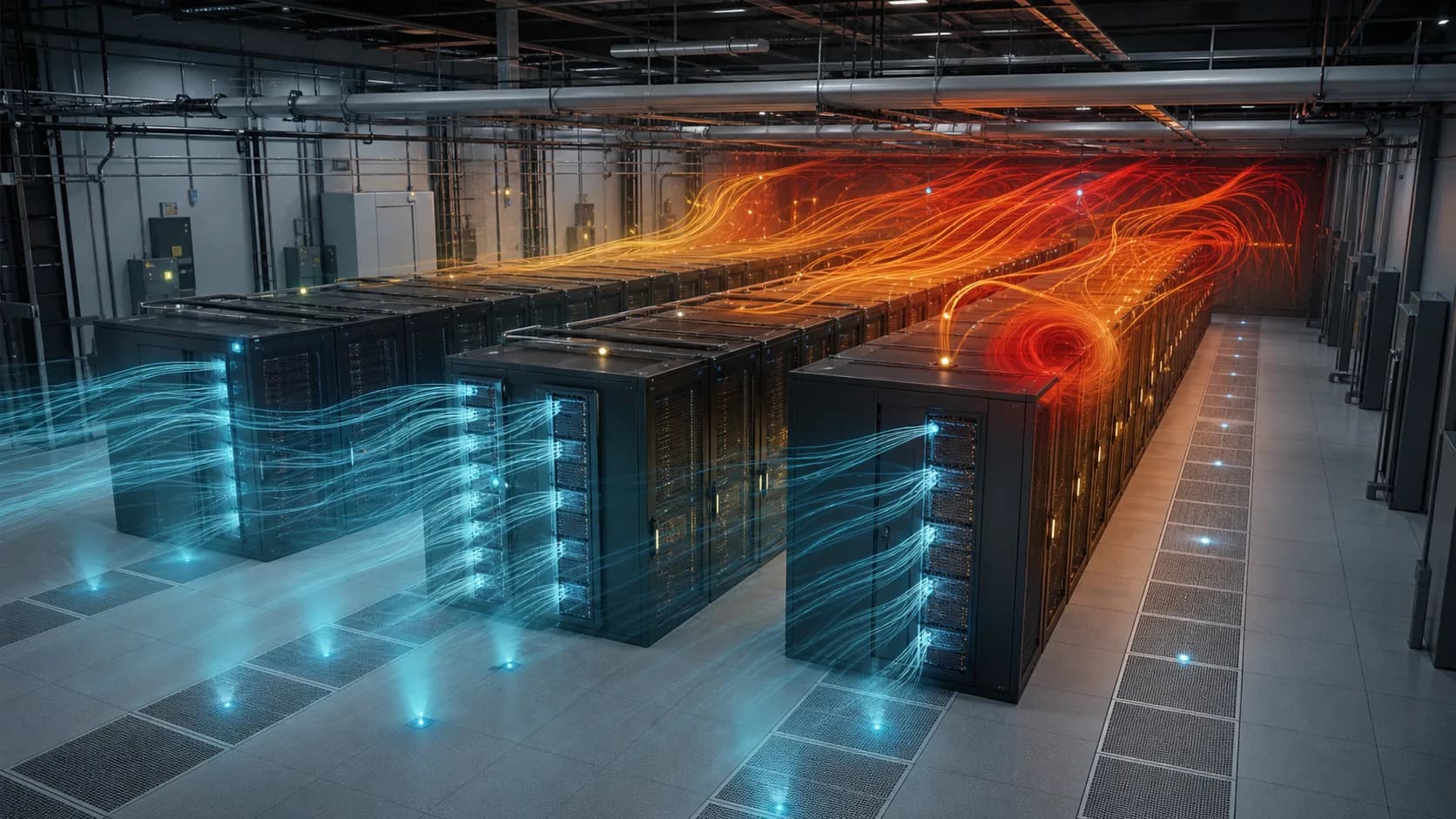
Data center and facility thermal performance
Review rack inlet conditions, hot-air recirculation, cooling resilience, ventilation changes, equipment loading, and failure scenarios with clear assumptions and evidence.
GPU-accelerated industrial physics simulation for faster engineering decisions
FactVerse QiSim turns governed digital-twin scenes and operating conditions into reviewable airflow, thermal, gas-dispersion, HVAC, and coupled-physics evidence for facilities, cleanrooms, data centers, and production systems.
Verbinden Sie Daten, Workflows und Feldausführung, damit Teams Kontext verstehen, schneller handeln und Arbeit nachvollziehbar halten.
Analyze airflow, heat transfer, humidity, gas dispersion, aerosols, and ventilation behavior across complex industrial environments.
Configure equipment, boundaries, operating states, failures, and proposed changes as repeatable scenarios connected to the digital twin.
Use GPU-accelerated computation to compare design and operating options within shorter engineering iteration cycles.
Connect results with model versions, input assumptions, field data, convergence checks, uncertainty, and review records.
Reuse prepared FactVerse scenes, asset identity, geometry, coordinates, and operational context across modeling and simulation workflows.
Deliver fields, probes, findings, reports, browser visualization, and high-fidelity OpenUSD or RTX media according to the project need.
Praktische Anwendungen und bewährte Szenarien aus verschiedenen Branchen.
Review rack inlet conditions, hot-air recirculation, cooling resilience, ventilation changes, equipment loading, and failure scenarios with clear assumptions and evidence.
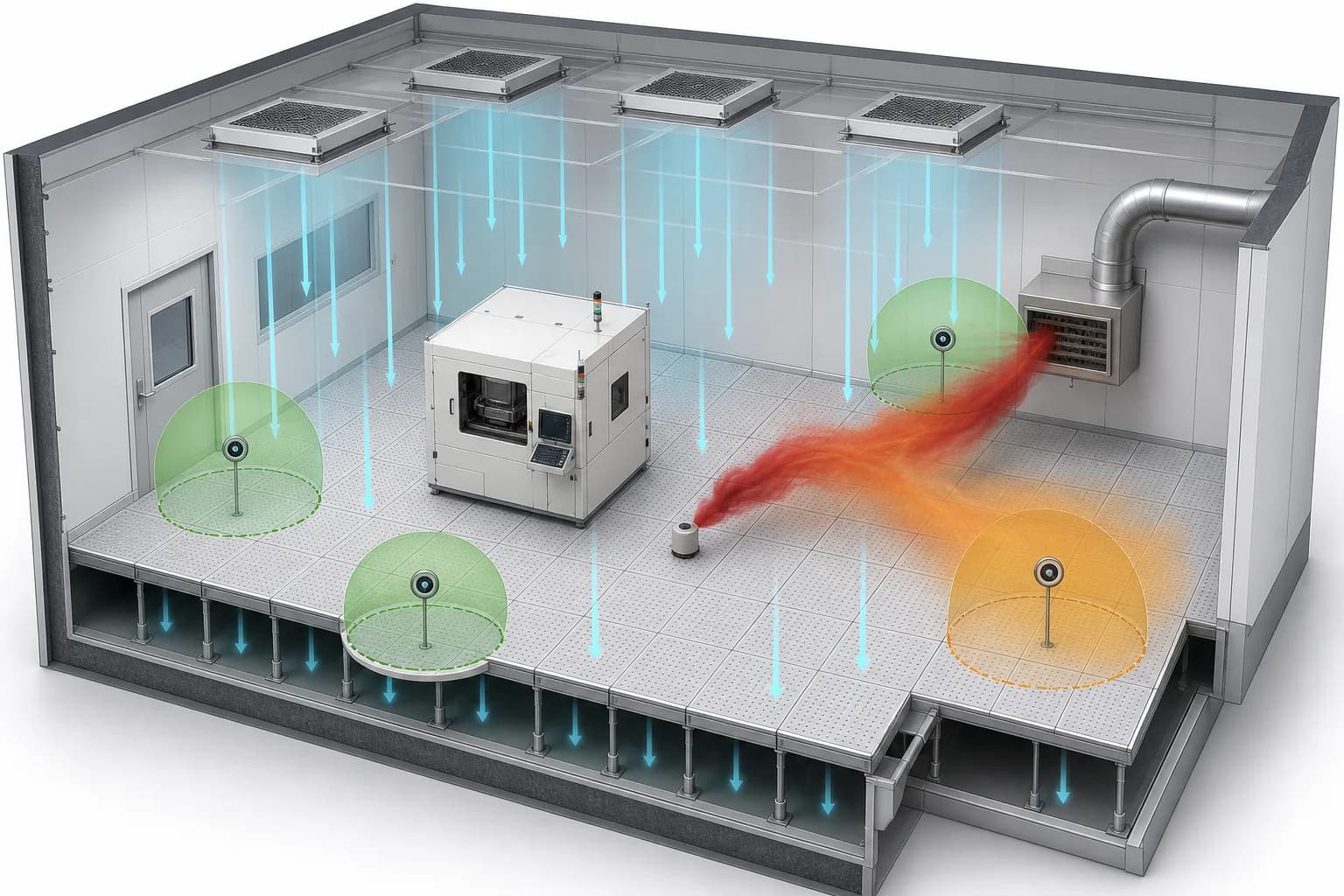
Study airflow organization, gas dispersion, exhaust degradation, detector coverage, and personnel exposure across controlled environments.
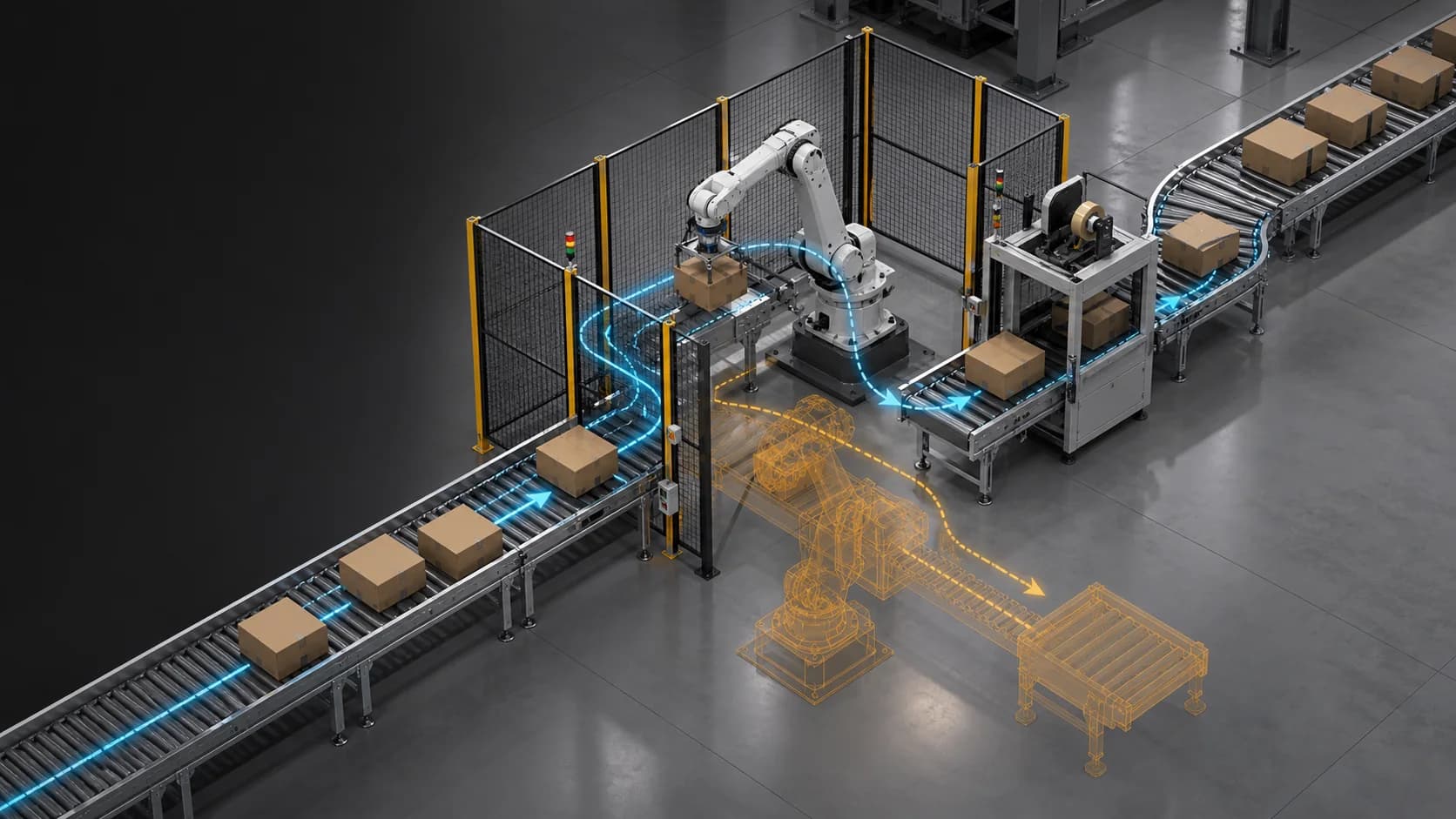
Evaluate airflow-driven movement, rigid-body interaction, equipment layout, packaging behavior, and other physics-sensitive process changes.
Industrial teams often need to understand how heat, air, gases, particles, equipment, and operating changes will behave before changing a live site. FactVerse QiSim connects those questions to the governed digital twin, providing a repeatable path from scene preparation to simulation evidence and operational follow-up.
QiSim is built for industrial decisions such as comparing ventilation strategies, reviewing cooling resilience, evaluating gas-detection coverage, testing failure conditions, and exploring physics-sensitive process changes. Each study begins with a defined decision, operating envelope, and validation plan.
| Simulation capability | Decisions it can support |
|---|---|
| Airflow and thermal analysis | Cooling distribution, hot-air recirculation, ventilation changes, heat-load scenarios, and environmental conditions |
| Gas, contaminant, and particle transport | Dispersion paths, exhaust performance, detector placement, exposure review, and containment scenarios |
| HVAC and environmental systems | Air-network behavior, pressure relationships, humidity, equipment response, and operating-state comparison |
| Coupled equipment physics | Airflow-driven motion, rigid-body interaction, contact, packaging behavior, and process-layout alternatives |
The model scope and validation depth are selected for the engineering question. Results carry their assumptions, limits, and review status so teams can distinguish screening analysis, calibrated comparison, and decision-ready evidence.
Engineering teams create more value when they can compare multiple alternatives within the available review window. QiSim uses NVIDIA Warp and GPU computing to run industrial physics models efficiently, helping teams explore more operating states and design choices.
Scenario inputs and result contracts remain separate from the presentation layer. The same simulation can feed browser-based field exploration, engineering reports, machine-readable evidence, or high-fidelity visual media.
OpenUSD provides a shared scene foundation for geometry, coordinates, hierarchy, and simulation-ready assets. FactVerse can carry governed industrial context into this workflow, while QiSim supplies specialized thermal-fluid and industrial physics analysis.
Omniverse Kit and RTX can support asset conversion, high-fidelity rendering, volume visualization, and review media. Selected process or Physical AI projects can also connect QiSim forces and fields with PhysX or Newton rigid-body simulation. This modular structure lets each project use the physics and visualization components that fit its engineering goal.
QiSim results can include field data, probe histories, scenario comparisons, conservation and convergence checks, model provenance, calibration status, uncertainty, and findings tied to the source scene. Engineering reviewers can see which inputs produced a result and which conditions remain to be validated.
The strongest starting point is one operational or design decision with available geometry, known boundary conditions, and a measurable review criterion. From there, the same governed workflow can expand to additional scenarios, spaces, and facilities.
FactVerse QiSim is DataMesh's GPU-accelerated industrial physics simulation engine. It supports thermal-fluid, airflow, gas-dispersion, HVAC, particle, and selected coupled-physics studies within governed FactVerse workflows.
Designer prepares the industrial scene, layout, assets, coordinates, and scenario context. QiSim turns the approved geometry and operating conditions into simulation inputs and returns reviewable fields, metrics, findings, and evidence.
QiSim provides DataMesh's specialized thermal-fluid and industrial simulation models. OpenUSD and Omniverse workflows can support scene exchange, asset preparation, RTX rendering, and selected PhysX or Newton coupling when the project requires them.
Yes. Data Fusion Services can provide approved telemetry, equipment states, engineering parameters, and field measurements for boundary conditions, scenario comparison, and calibration workflows.
Delivery can include browser-based field visualization, probe histories, scenario comparisons, audit records, engineering reports, and high-fidelity media. The package is selected around the customer decision and review process.
Vertiefen Sie das Thema mit passenden Produkten, Lösungen, Leitfäden und öffentlichen Referenzen.