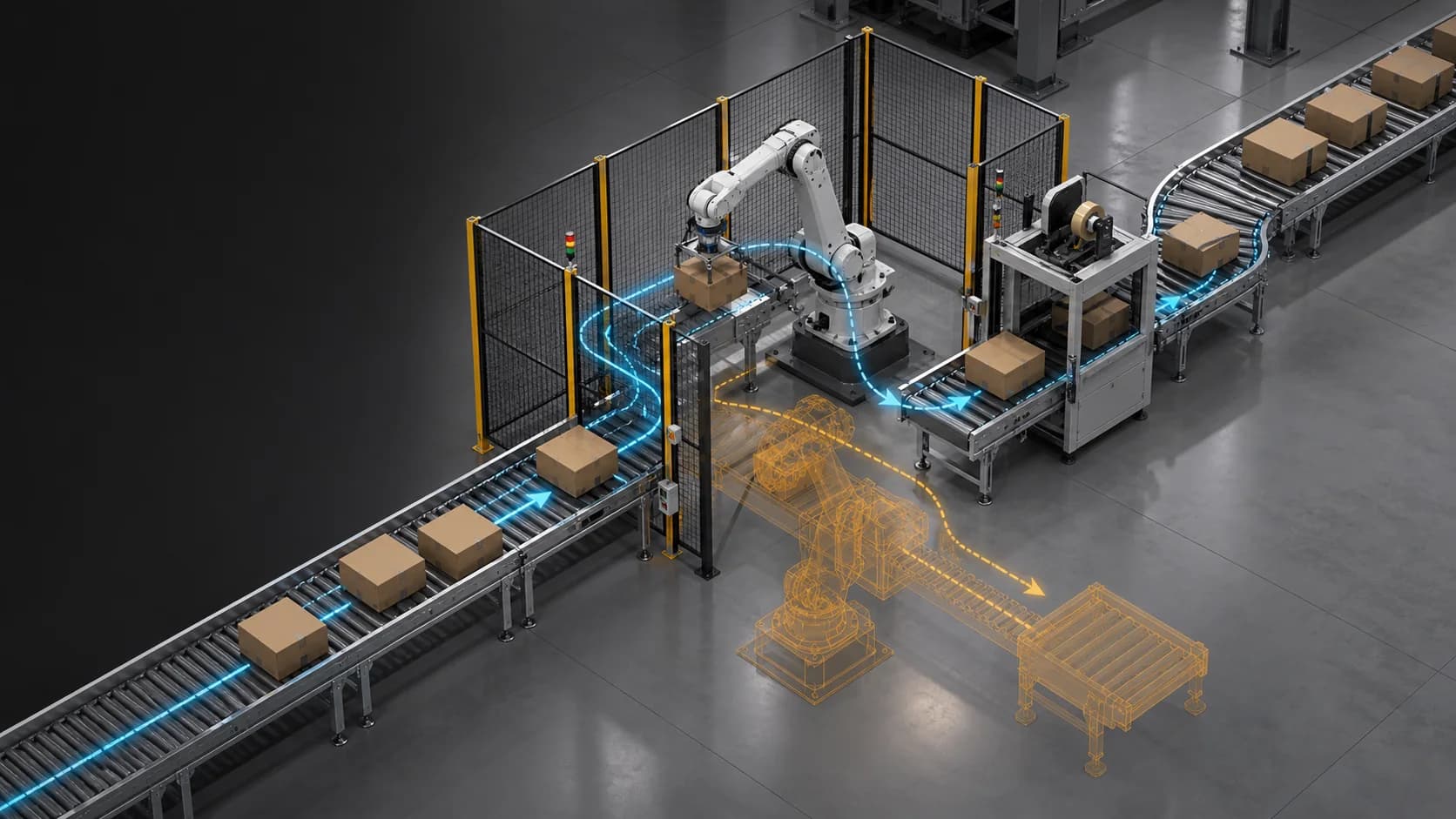
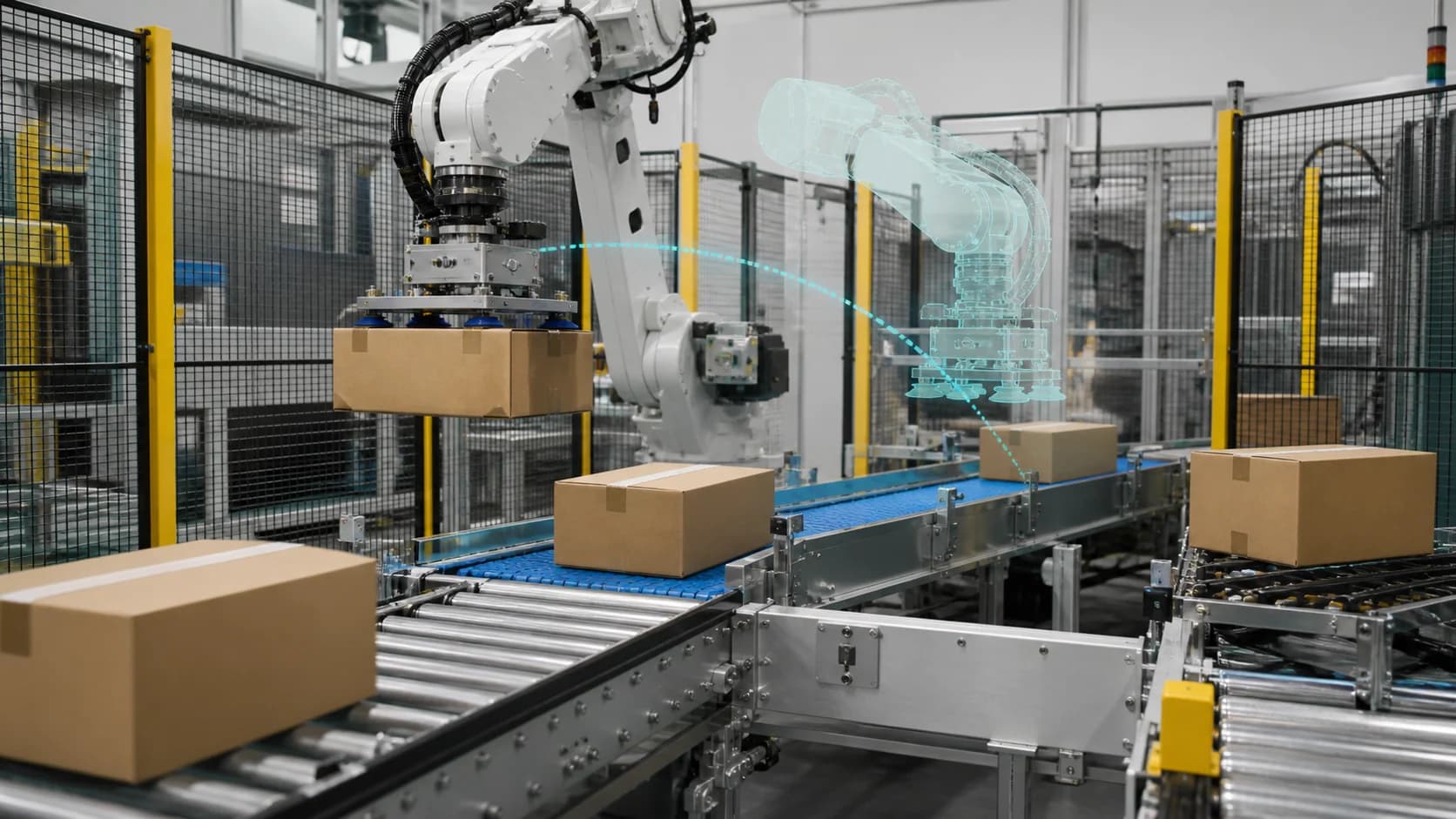
Packaging and production-line changes
Review spacing, handoffs, buffers, material movement, equipment interaction, operator access, and line variants before physical trials.
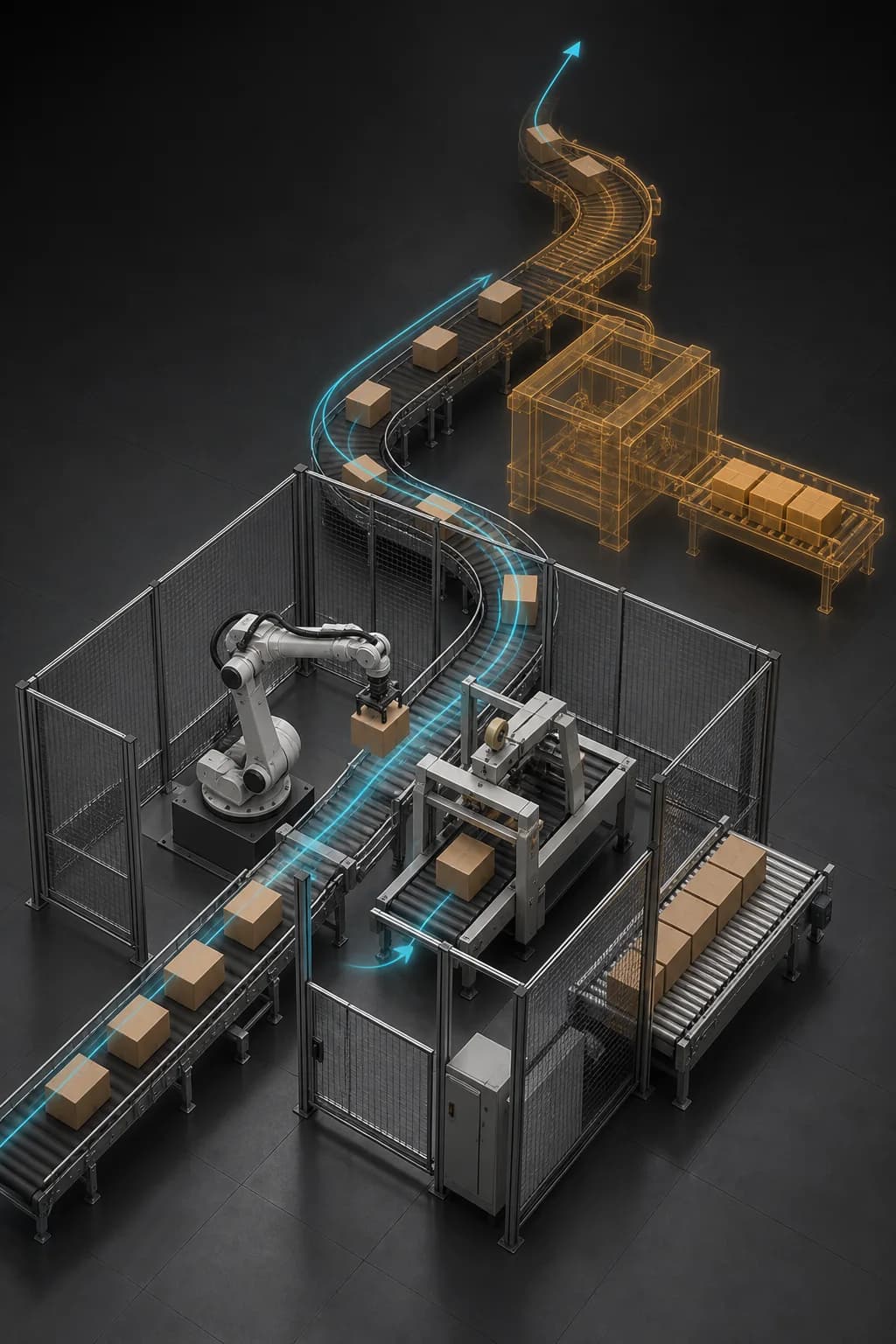
Resolve more engineering questions before they reach the floor
Compare layout, flow, airflow, thermal conditions, equipment interaction, and robotics scenarios in a reusable digital-twin context before committing changes to the physical environment.
Connect data, workflows, and field execution so teams can understand context, act faster, and keep work traceable.
Frame each study around a specific layout, process, equipment, facility, or robotics decision and the evidence required to move it forward.
Use FactVerse Designer to prepare facilities, equipment, materials, routes, operating states, behavior logic, and scenario variants.
Compare sequence, routes, resources, buffers, timing, and throughput with discrete-event and process-flow scenarios.
Add project-enabled reduced-order airflow, GPU airflow, or thermal-fluid analysis when operating conditions require deeper physical evidence.
Extend selected scenes into project-based Isaac, PhysX, or Newton workflows for motion, collision, contact, sensors, and robot preparation.
Preserve model versions, assumptions, inputs, metrics, findings, and review decisions so results remain useful during implementation.
Practical applications and proven success scenarios across industries.
Review spacing, handoffs, buffers, material movement, equipment interaction, operator access, and line variants before physical trials.
Compare equipment placement, work areas, access routes, clearances, and process sequences while proposed changes are still easy to revise.
Evaluate zones, routes, staging, picking flows, vehicle movement, and resource assumptions for proposed operating scenarios.
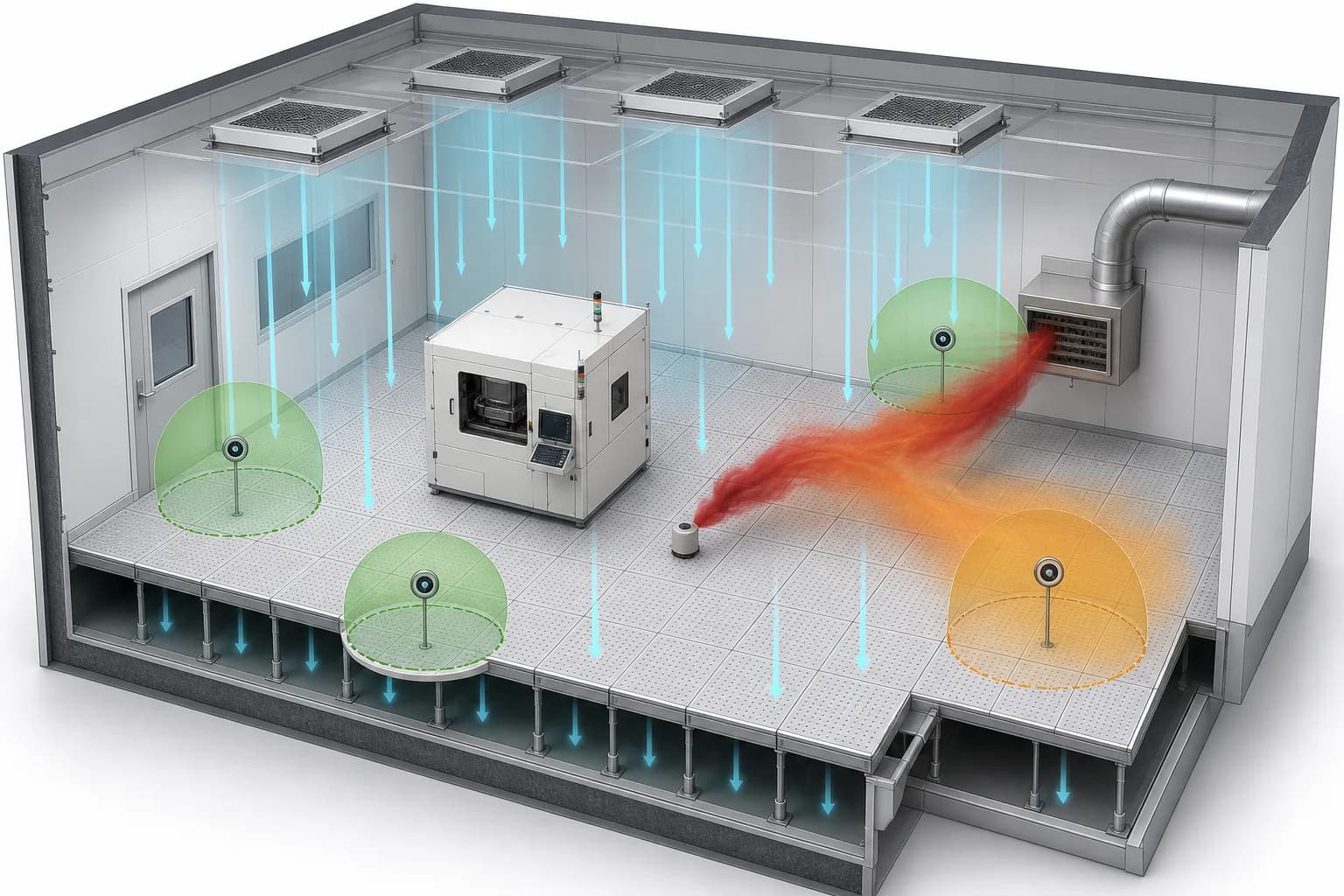
Use project-enabled models to compare airflow, heat sources, temperature fields, and boundary conditions for a defined engineering question.
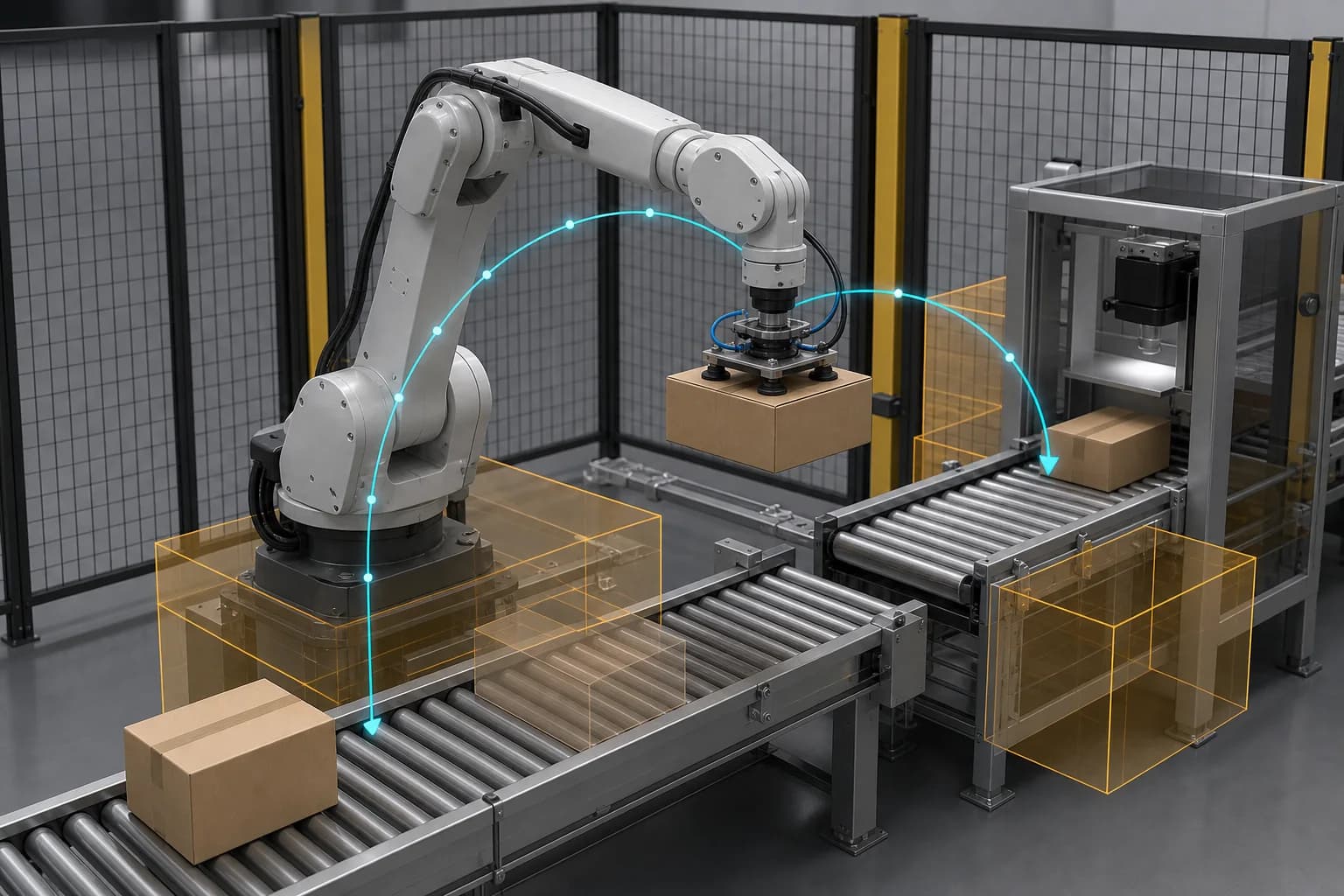
Prepare structured scenes, SimReady assets, task context, and measurable criteria for simulation, synthetic data, learning, and sim-to-real work.
Manufacturing and facility changes become expensive long before installation begins. Layout, tooling, controls, process timing, utilities, safety access, and automation decisions move through different teams, often in different models. A missed handoff, blocked route, unstable buffer, heat source, airflow condition, or robot-access constraint can surface only after equipment and site work are committed.
Process Simulation and Virtual Planning brings those questions into a shared digital-twin workflow. Engineering and operations teams can compare more alternatives, identify which assumptions matter, and direct detailed analysis or physical trials toward the cases that carry the most risk.
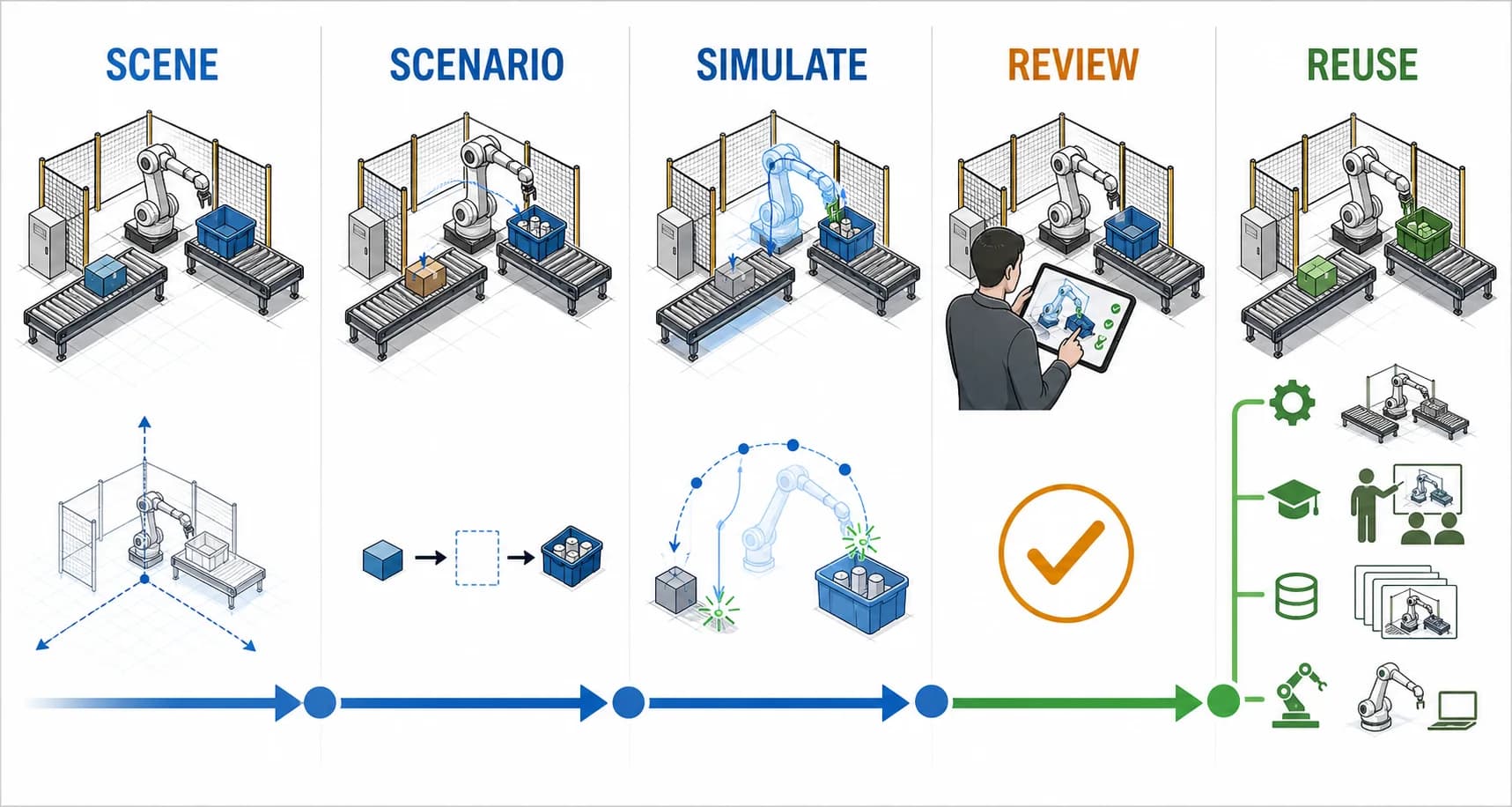
Useful simulation begins with a decision the project needs to make:
The required evidence determines the model depth. This keeps teams focused on a decision they can act on and avoids spending the same modeling effort on every scenario.
FactVerse Designer prepares the spatial and operational foundation. Teams assemble facilities, lines, cells, equipment, work areas, materials, routes, asset identities, states, behavior logic, timelines, and scenario variants in one reviewable scene.
That scene can support current-product layout and process-flow comparisons, then continue into project-enabled physics or robotics work. Data Fusion Services can bring selected historical, live, or engineering data into the scenario when actual operating conditions should inform assumptions or comparison criteria.
The approved scene also remains useful after the study. Engineering review, implementation planning, operator preparation, training, automation, and later optimization can reuse the same asset and process context.
Layout, flow, and discrete events
Designer-led scenarios compare equipment placement, access, routes, sequences, resources, timing, buffers, and throughput. This level supports early layout review, production-flow planning, warehouse and intralogistics studies, and coordination across engineering and operations.
Airflow and thermal conditions
Project teams can add reduced-order airflow models for rapid screening or project-enabled GPU airflow and thermal-fluid analysis for defined facility and equipment questions. These workflows compare prepared geometry, heat sources, airflow, temperature, pressure, buoyancy, and boundary-condition variants using stated assumptions and review criteria.
Motion, contact, and robotics
OpenUSD and the FactVerse Adaptor for NVIDIA Omniverse carry governed scenes and SimReady assets into selected simulation runtimes. Project-based Isaac, PhysX, and Newton workflows can then support rigid-body motion, collision, contact, sensors, robot testing, synthetic data, learning, and sim-to-real preparation.
Each layer answers a different class of question. Teams can move a small number of high-impact scenarios into specialist engineering analysis or physical trials once the broader option space has been screened.
A useful result includes more than a rendered sequence. DataMesh project workflows can preserve scene and model versions, input identity, simulation settings, comparison metrics, audit checks, assumptions, findings, evidence references, and reviewer decisions.
This traceability helps engineering understand how a conclusion was reached, helps operations prepare for implementation, and gives robotics or automation teams a governed starting point for the next stage.
DataMesh has publicly shown production-line solution development with Chen Hsong, intralogistics automation validation with Gyro, and simulation digital-twin workflows with NVIDIA Omniverse.
These public references show how reusable industrial context can support planning and simulation. Each evaluation defines its own geometry, data readiness, model depth, acceptance envelope, and qualified review path.
A focused evaluation begins with one representative scenario, stable source assets, known operating assumptions, available measurements, and a decision the project team already needs to make. DataMesh and the customer can then confirm the scene pipeline, simulation depth, comparison evidence, and handoff before expanding to a larger line, facility, or robotics program.
FactVerse Designer owns scene composition, layout planning, process logic, behavior, timeline, and scenario authoring. Data Fusion Services can add operating data. Project-selected airflow, thermal-fluid, Omniverse, Isaac, PhysX, or Newton workflows add the simulation depth required for a defined decision.
Current Designer workflows support layout, timeline, discrete-event, and process-flow comparison. Project-enabled work can add reduced-order airflow, GPU airflow, thermal-fluid analysis, rigid-body physics, or robotics simulation according to the geometry, data, and evidence needed.
OpenUSD provides a composable foundation for scenes and SimReady assets. Omniverse libraries and services can add rendering, physics, and runtime integration. Isaac Sim, Isaac Lab, PhysX, and Newton-oriented workflows support selected robotics, contact, learning, and Physical AI scenarios.
The project defines the decision and acceptance envelope first. Geometry, process assumptions, material properties, boundary conditions, solver, calibration data, comparison metrics, and qualified review are then selected to match that purpose.
A pilot typically delivers a representative scene, defined scenarios, documented assumptions, comparison results, reviewable visual and quantitative evidence, and a handoff plan for engineering, implementation, training, or robotics work.
Continue with the most relevant products, solutions, guides, and public references for this topic.