
Industrial copilots
Give operations teams one interface to retrieve reports, inspect twins, run checks, and follow approved actions.
Developer Infrastructure
Connect AI agents to FactVerse through governed Model Context Protocol endpoints. Each module slice (for example /mcp/base/, /mcp/pdm/, /mcp/dcops/) is reached with a per-customer scoped API key—so agents get operational tools without sharing platform secrets.
A useful AI agent needs more than prompts. It needs secure, tenant-scoped access to asset state, live telemetry, knowledge, and approved actions. MCP Server bridges LLM-native clients (Claude, Cursor, custom agents) to executable Physical AI operations under explicit scopes.
What the MCP Server provides
A reusable tool layer across base and industry slices: reporting, simulation, SOP retrieval, twin validation, predictive maintenance, data-center operations, and other governed actions—discoverable at runtime via MCP.
Expose reporting, simulation, alert review, SOP retrieval, and operational actions through one protocol boundary.
Bring live telemetry, asset state, work orders, scene references, and knowledge articles into one workflow.
Separate endpoints for base platform tools and industry modules (including data-center operations) so least privilege is practical.
Scoped API keys control which tools appear and run—with approvals and audit for write-style actions.
A reusable tool layer across base and industry slices: reporting, simulation, SOP retrieval, twin validation, predictive maintenance, data-center operations, and other governed actions—discoverable at runtime via MCP.
Expose reporting, simulation, alert review, SOP retrieval, and operational actions through one protocol boundary.
Bring live telemetry, asset state, work orders, scene references, and knowledge articles into one workflow.
Separate endpoints for base platform tools and industry modules (including data-center operations) so least privilege is practical.
Scoped API keys control which tools appear and run—with approvals and audit for write-style actions.
MCP Server standardizes how AI Agent discovers tools, receives context, and executes within safe operational boundaries.
Step 01
Map your data services, platform APIs, twin checks, and knowledge retrieval into MCP-compatible tools.
Step 02
Mint per-customer keys with the right scopes, then point Claude, Cursor, or a custom agent at the matching /mcp/<slice>/ URL.
Step 03
Apply approvals, monitor usage, and expand tool coverage from pilot scenarios to repeatable operations.
Designed for teams that want to move beyond chat and into repeatable operational delivery.
Give operations teams one interface to retrieve reports, inspect twins, run checks, and follow approved actions.
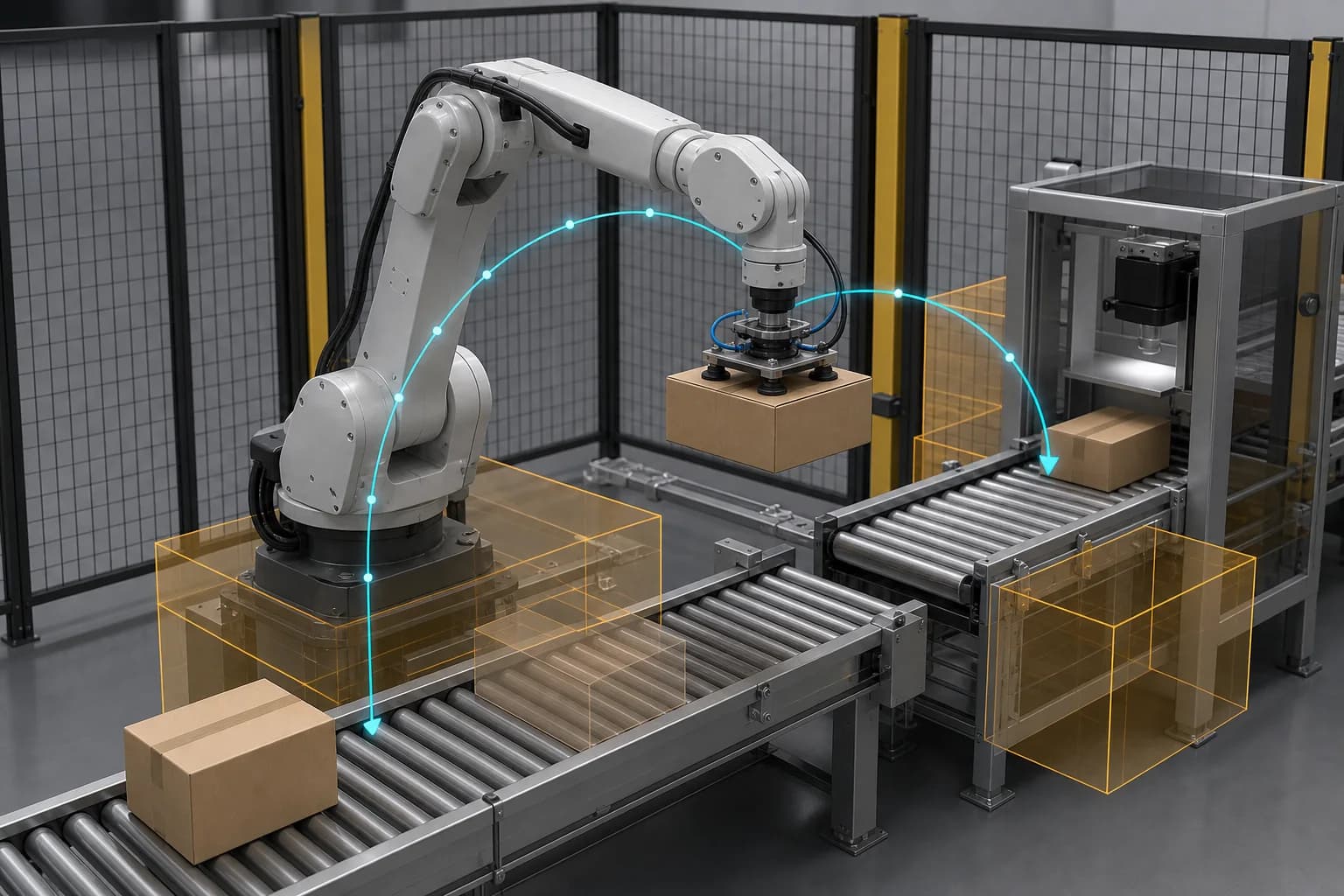
Allow AI Agent to call simulation and validation services before recommendations reach frontline teams.
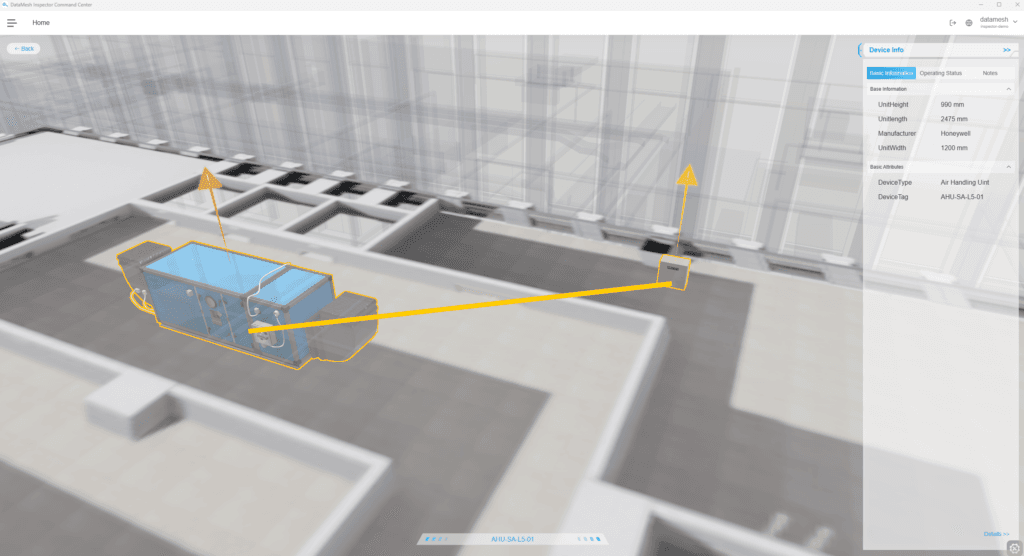
Package reusable MCP toolkits for semiconductor, district heating, manufacturing, and data center engagements.
Self-hosted, Git-controlled, and auditable. Clients call HTTPS /mcp/<slice>/ with X-API-Key only. Platform teams enable modules, issue scoped keys, and keep tool execution inside FactVerse governance. Integration details live in FactVerse Docs.
Governed HTTPS slices such as base, trafficops, pdm, semiops, and dcops—enable only what the customer environment needs
Per-customer API keys resolve tenant and scopes server-side; clients never pick a tenant header
Bind tools to Data Fusion Services, Twin Engine, CMMS/work orders, DCOps, and reporting services under audit
Start from FactVerse Docs (MCP guide, scope matrix, tool reference) for Claude, Cursor, and custom agents
If you are planning AI agent deployments in Physical AI environments, we can help you design the tool schema, governance model, and integration path—or point you to the published MCP guide and scope matrix.